

 Tiếng Việt
You’ve heard this story before: a company invests hundreds of thousands into a CRM, but 12 months later the system sits idle — sales reps are back on Excel, and leadership has lost confidence. Why do CRM projects fail at such an alarming rate? After 50+ Salesforce implementations, Sonix has found that the real culprit is never the software.
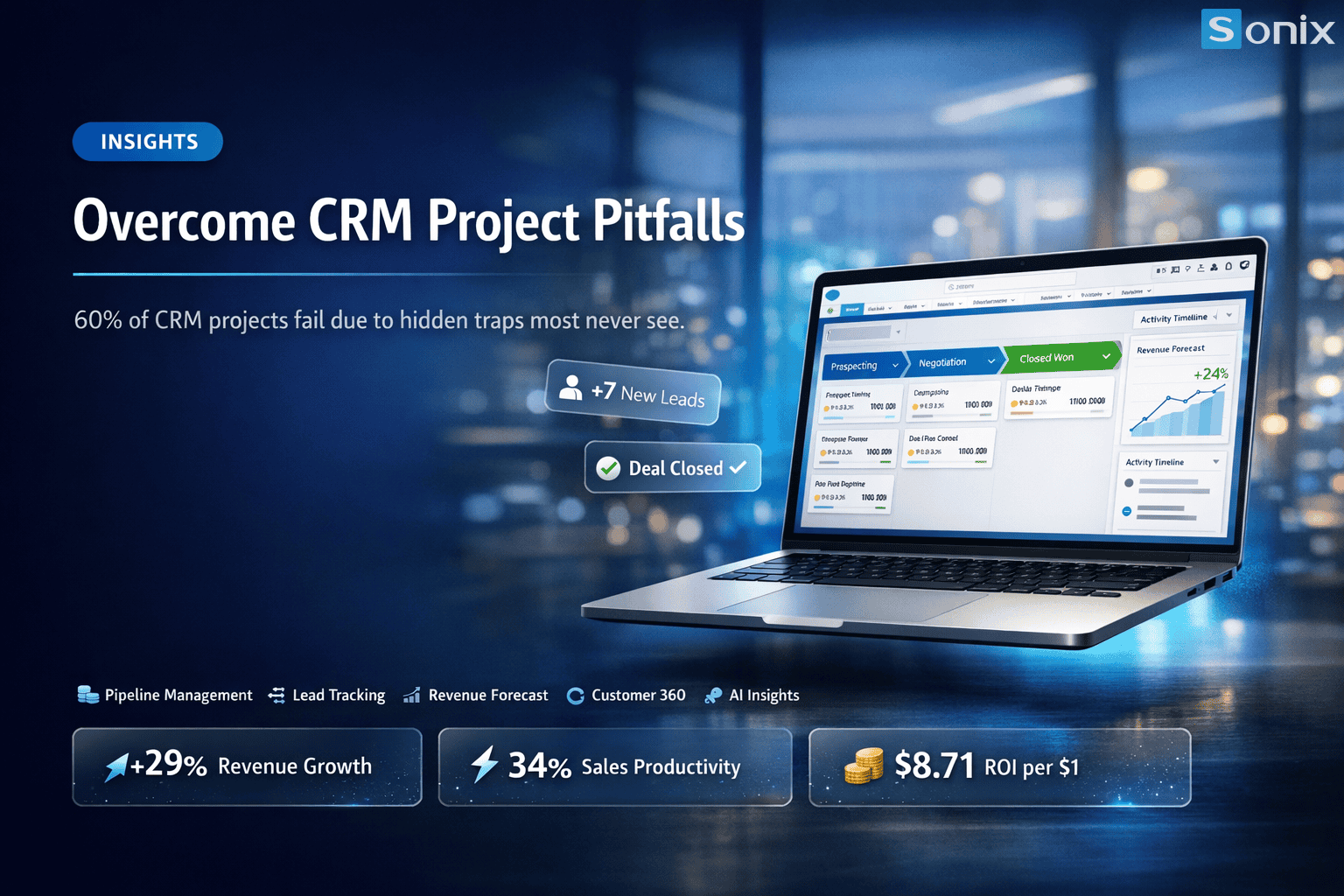
Table of Contents
💡 ‘CRM software is never the cause of failure — people, processes, and unmanaged expectations are the real culprits.’ — Insight from 50+ Salesforce projects by Sonix.
THE REALITY
Alarming Statistics on CRM Implementation Failures
According to Gartner, CRM project failure rates range from 47% to 63% — a figure that has barely improved despite advances in technology. Why? Because the core problem has nothing to do with software. When a CRM implementation fails, the damage goes far beyond license costs — it erodes team trust, consumes leadership time, and squanders growth opportunities.
60%
of CRM projects fail to meet initial expectations
50+
Salesforce projects implemented & analyzed by Sonix
3x
the remediation cost vs. initial investment when a project fails
IN-DEPTH ANALYSIS
3 Real Reasons Why CRM Projects Fail
Across every project, Sonix has observed three recurring patterns — regardless of company size or implementation budget. These are the root causes of CRM ineffectiveness that most CEOs and CMOs don’t see until it’s too late.
Trap #1: No Clear Process Owner
CRM is not an IT project — it’s a business project. When no single person owns the end-to-end process (from lead to close to post-sale support), every configuration decision becomes an endless debate between Sales, Marketing, and IT. The result: the system gets built around the loudest voice in the room, not the person who best understands the process.
→ Warning sign: The kick-off meeting has no C-level representative committing more than 2 hours per week.
Trap #2: Lack of Change Management — Silent Employee Resistance
According to McKinsey, 70% of transformation programs fail due to people factors — not technology. Sales reps don’t see how the CRM personally benefits them, so they enter data carelessly or not at all. Six months later, the database is polluted, reports are inaccurate, and leadership loses faith in the system.
→ Warning sign: Training happens only once before go-live, with no adoption metrics being tracked.
Trap #3: Over-Customization Before Mastering Core Features
This is the most common and most costly trap. Companies demand complex features from day one to ‘replicate the old process exactly’ — instead of letting the CRM improve the process. The result: customization costs balloon 3–5x, the system becomes difficult to upgrade, and users still don’t adopt it because it’s too complex. The CRM project fails in the truest sense, right at the design stage.
→ Warning sign: The requirements document exceeds 50 pages before any user has tested the system.
THE SONIX METHOD
How Sonix Avoids These 3 Traps in Every Project
Sonix doesn’t just implement Salesforce — we manage failure risk from day one. Each of the three root causes above has a concrete solution, provided it’s identified early enough.
| Trap | How Sonix Addresses It |
|---|---|
| No Process Owner | Mandatory RACI sign-off before project start; the Process Owner must be a business decision-maker, not an IT representative |
| Lack of Change Management | Run a parallel 90-day adoption program: role-based training, gamification, and weekly adoption reports sent to the CEO |
| Over-Customization | Apply the ‘Standard First’ principle: use native Salesforce features for a minimum of 60 days before considering any customization |
PRACTICAL TOOLS
10-Point CRM Readiness Checklist Before Implementation
Before signing any implementation contract, answer these 10 questions. If you can’t confidently answer ‘Yes’ to at least 7 out of 10, your CRM project failure is already predictable.
1. Is there one person accountable for the entire CRM process (Process Owner)?
2. Has C-level leadership committed to attending at least 2 review sessions per month?
3. Has the sales team been consulted about their pain points before selecting a CRM?
4. Is there a clear change management plan (not just a one-day training session)?
5. Has the current sales process been fully documented?
6. Have clear KPIs been defined to measure success at 90 days post-go-live?
7. Is there a data migration and data cleansing plan in place before import?
8. Does the budget include post-go-live adoption costs (training and ongoing support)?
9. Has the team agreed to the ‘Standard First’ principle before any customization begins?
10. Does your implementation partner have proven experience in your industry and company size?
SUMMARY
Key Takeaways
| Takeaway | What It Means for Your Business |
|---|---|
| CRM projects fail because of people, not software | Don’t blame the vendor — audit your internal readiness first |
| A Process Owner is a prerequisite, not a nice-to-have | No Process Owner = don’t start the project |
| Change management determines adoption rate | Budget at least as much for adoption as you do for licenses |
| Standard First — customize only after users are proficient | Saves 40–60% on implementation and maintenance costs |
| The 10-Point CRM Readiness Checklist is your first risk filter | Complete it before signing a contract, not after go-live |
Is Your CRM Project Heading in the Right Direction?
CRM project failures can often be detected early — if you know where to look. Sonix offers a free 60-minute CRM Readiness Assessment session to help CEOs and CMOs identify risks before they invest.
🎯 10-Point Readiness Assessment · Risk Analysis · Safe Implementation Roadmap
Sonix — Your success is our happiness.
Leave us your comment