

 Tiếng Việt
Customers send emails, message on Zalo, make phone calls — and no one on the team knows who is handling which case. This is the customer service reality facing thousands of Vietnamese SMEs running on disconnected tools. Salesforce Service Cloud was built to break that cycle — consolidating every channel into one place, automatically routing tickets, and tracking SLAs in real time to reduce customer response time by up to 40%.
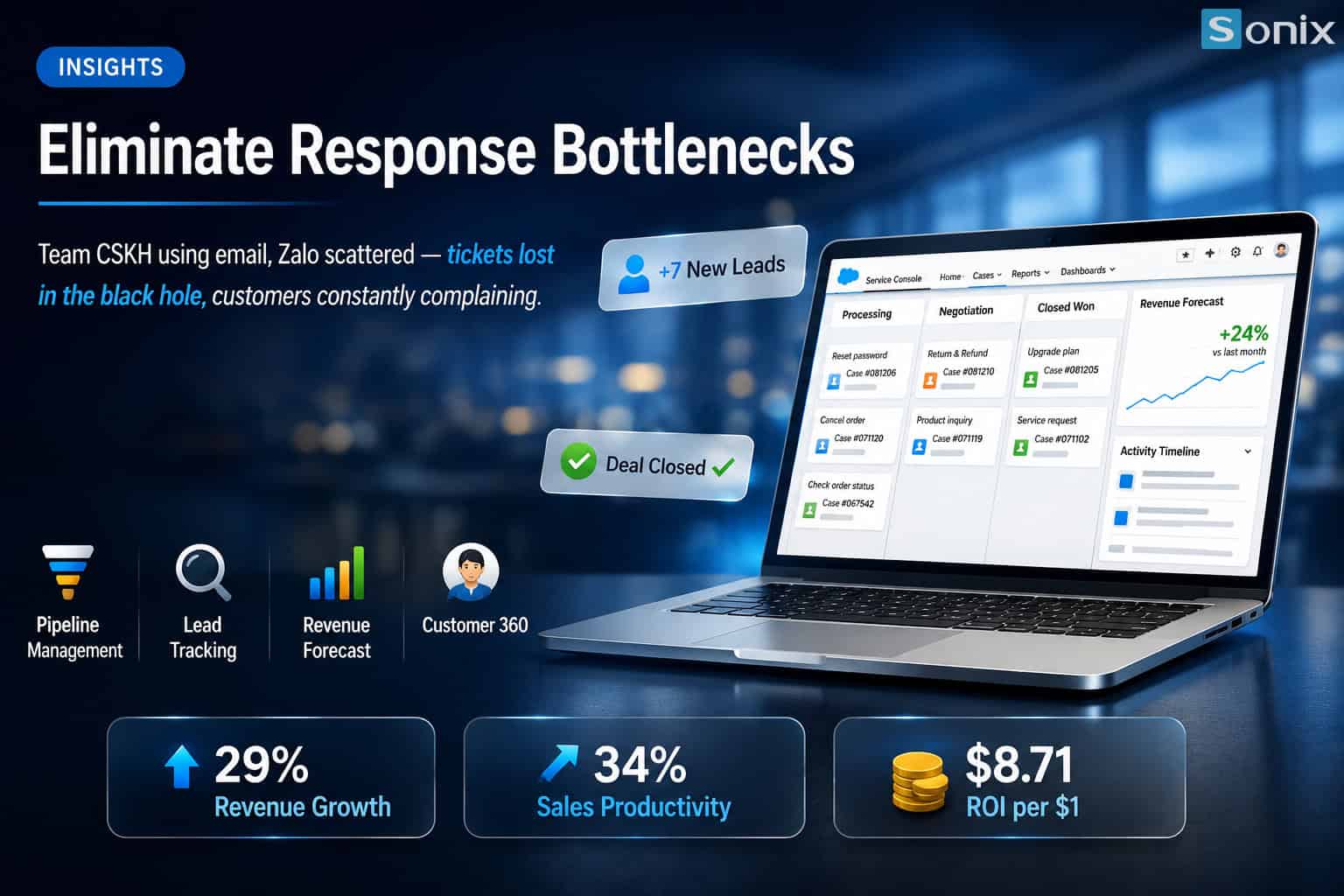 Salesforce Service Cloud — a comprehensive automated customer service platform for modern businesses
Table of Contents
💡 According to the Salesforce State of Service Report 2024, businesses that deploy Service Cloud report a 40% reduction in customer response time and a 35% increase in customer satisfaction (CSAT) within just the first 6 months of operation.
THE PROBLEM
Fragmented Customer Service Is Silently Driving Your Customers Away
A customer sends an email about their order at 9 AM, follows up on Zalo at 11 AM because they haven’t heard back, then calls in frustration at 2 PM — and the third support agent who picks up has no idea about the two previous contacts. This isn’t a rare scenario; it’s the default customer service workflow for most SMEs relying on email and Zalo as their primary support tools.
The measurable consequences are stark: according to Gartner, 89% of customers switch to a competitor after a single poor support experience, and winning back a lost customer costs 5–7 times more than retaining one. Salesforce ticket management was designed precisely to eliminate this blind spot — every support request is logged, assigned, and tracked within a single unified system.
89%
of customers leave after just one poor support experience (Gartner)
5–7x
the cost of winning back a lost customer vs. retaining one
4h+
average response time when using disconnected email and Zalo
THE SOLUTION
What Is Salesforce Service Cloud and How Does It Solve Customer Service Challenges?
Salesforce Service Cloud is an integrated customer service management platform built on the Salesforce CRM, enabling businesses to unify all support channels — email, phone, chat, social media, and self-service portals — into a single interface. Instead of agents juggling 5–6 different tabs to track requests, everything is displayed on one screen with the customer’s full interaction history.
Unified Inbox — Bringing Every Channel Into One Place
The Unified Inbox in Service Cloud automatically pulls requests from email, Zalo OA, Facebook Messenger, website live chat, and hotlines into a single queue. Each request is converted into a Case (ticket) with a unique ID, timestamp, and clear status — eliminating the ‘I didn’t know anyone was handling it’ problem. Automated customer service at this layer completely removes the need for manual data copying between channels.
Auto-routing & Automated SLA Tracking
Omni-Channel Routing automatically assigns tickets to the right agent based on skill set, current workload, and case priority — no manual assignment required. SLA Tracking automatically sends alerts when a ticket is approaching a deadline breach, and the integrated Knowledge Base allows customers to find answers on their own before needing to contact an agent.
RESULTS
Real-World Results: Response Time Drops from 4 Hours to 1.5 Hours with Salesforce Service Cloud
A B2B e-commerce business with 15 customer service agents was previously handling an average of 200 tickets per day via email and Zalo — with an average First Response Time (FRT) of 4 hours and 30% of tickets being completely missed. After deploying Salesforce Service Cloud with Omni-Channel configuration and SLA rules, FRT dropped to 1.5 hours, the missed ticket rate fell to 0%, and CSAT improved from 3.2 to 4.6 out of 5 within 3 months.
More significant than the numbers is the operational shift: for the first time, the CEO and CMO had a real-time dashboard to identify bottlenecks in the customer service process — which agents were overloaded, which request types consumed the most time, and which channels were generating the most tickets. This is data that simply cannot be obtained when operating with disconnected email and Zalo.
| Metric | Before Service Cloud | After Service Cloud |
|---|---|---|
| First Response Time | ~4 hours | ~1.5 hours ✓ |
| Missed Tickets | 30% | 0% ✓ |
| CSAT Score | 3.2 / 5 | 4.6 / 5 ✓ |
IMPLEMENTATION
3 Steps to Implement Salesforce Service Cloud — Where Should SMEs Start?
Many CEOs worry that deploying Salesforce ticket management requires a large IT team and a lengthy timeline. In reality, with the right approach, an SME with 10–50 customer service agents can go live within 4–6 weeks by following these 3 steps.
Audit Your Current Support Channels & Define SLAs
List all channels currently receiving support requests (email, hotline, Zalo, Facebook), measure your current average response times, and define target SLAs by case type. This baseline data is essential for configuring routing rules and SLA tracking in Salesforce Service Cloud.
Configure Omni-Channel & Knowledge Base
Connect all channels to the Unified Inbox, set up routing rules based on agent skills and request types, and build a Knowledge Base with your 20–30 most common FAQs. Automated customer service at this step immediately reduces ticket volume requiring agent handling by 20–30%.
Measure & Continuously Optimize via Dashboard
Set up a Service Cloud Dashboard displaying FRT, CSAT, SLA compliance, and agent utilization in real time. Conduct weekly reviews during the first month to fine-tune routing rules and expand the Knowledge Base — this continuous optimization loop is what sustainably reduces customer response time over the long term.
KEY TAKEAWAYS
| Takeaway | What It Means for Your Business |
|---|---|
| Disconnected email and Zalo create blind spots in customer service | Tickets get missed, customers complain and churn — and the CEO has no data to intervene in time. |
| Salesforce Service Cloud unifies all support channels | Unified Inbox + auto-routing cuts response time from 4 hours to 1.5 hours, with missed ticket rate dropping to 0%. |
| Automated customer service doesn’t require a large IT team | SMEs with 10–50 agents can go live in 4–6 weeks with the right implementation partner and a clear 3-step roadmap. |
| Real-time dashboard = strategic advantage for CEOs and CMOs | Salesforce ticket management delivers FRT, CSAT, and SLA compliance data to support data-driven decision-making. |
| Knowledge Base reduces ticket volume by 20–30% | Customers self-serve before reaching an agent — reducing team workload and accelerating response times across the board. |
Ready to Cut Customer Response Time by 40% with Salesforce Service Cloud?
The Sonix team will give you a live demo of how Salesforce Service Cloud works with your customer service workflow — plus a free automated customer service checklist so you can assess your current blind spots yourself.
No commitment. No consulting fee. Just 45 minutes.
Sonix — Your success is our happiness.
Leave us your comment