

 English
 Tiếng Việt
Month-end at a central fashion and accessory retail warehouse: four warehouse operators clutching thick stacks of printed A4 sheets, flipping through pages while manually counting shelf by shelf. It took nearly two full days over the weekend to complete the stock count, yet discrepancies still lingered around 5%. The bottleneck isn’t careless personnel—it is the legacy manual method using pen, paper, and Excel spreadsheets, inherently prone to delays and human error.
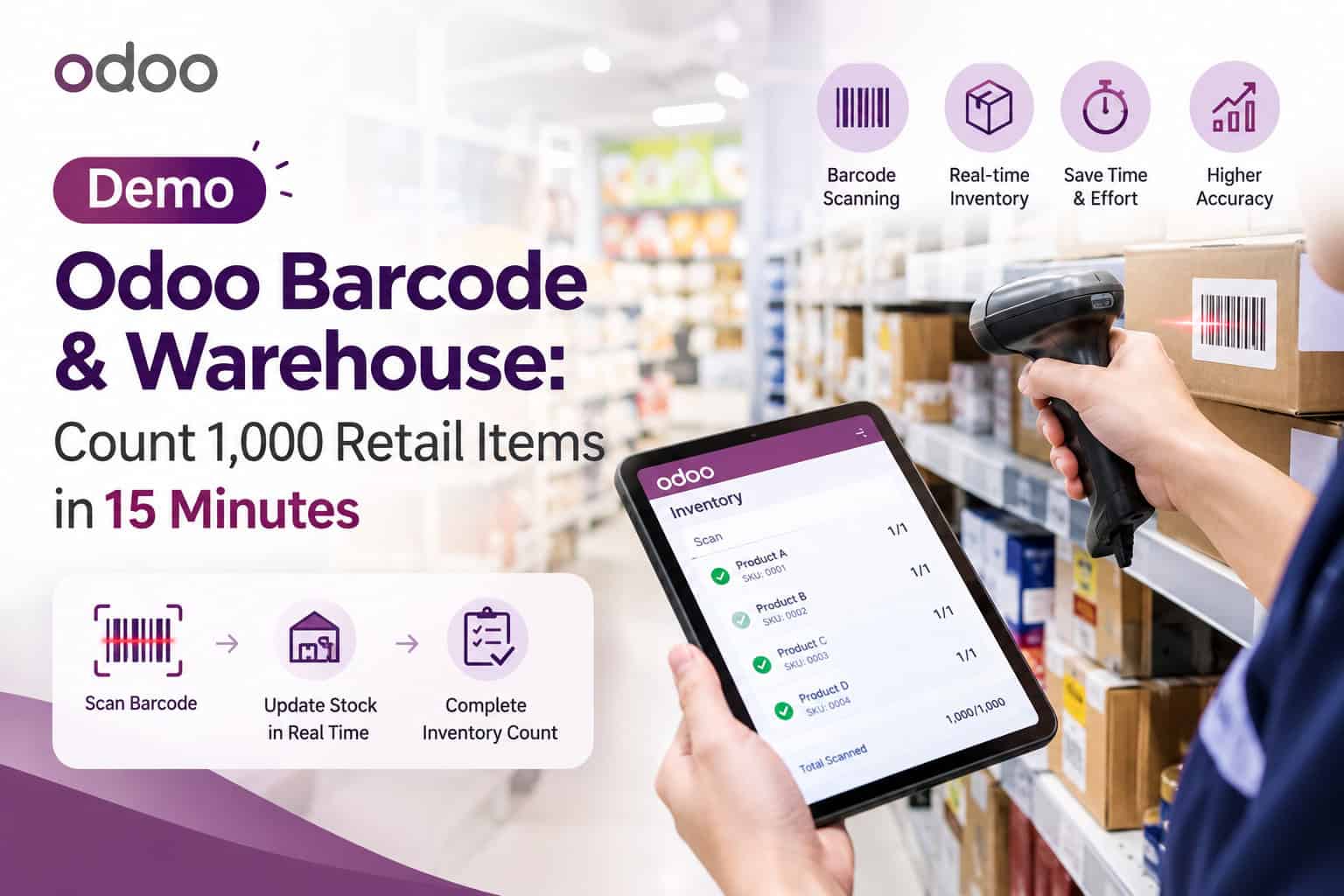
This article analyzes how retail businesses utilize Odoo Barcode integrated directly with Odoo Inventory to scan items via mobile handhelds/smartphones, complete a full stock count of over 1,000 SKUs in just 15 minutes, and reconcile discrepancies instantly to the central database.
Table of Contents
💡 Core Insight: Modern inventory management is not an ordeal where operations must shut down for days to count boxes. Instead, it is a rolling, continuous cycle-counting routine powered by mobile barcode scanning. When staff scan on the fly, the system instantly validates counts and flags variances—turning inventory auditing from a dreaded chore into a seamless daily operation.
48h → 15 mins
Time required to audit a 1,000-SKU zone across storage racks
99.8%
Real-time inventory record accuracy between physical and system data
0 Hours
Store downtime needed (no need to close warehouse/retail counters)
PART 1
Pain Points of Retail Inventory: Labor-Intensive, Mismatches, and Downtime
In the retail industry, SKU counts quickly reach into the thousands across diverse variants of color, size, and style. Traditional inventory audits constantly encounter three critical barriers:
| Traditional Constraint | Warehouse & Store Manifestation | Business Impact |
|---|---|---|
| Paper lists & manual re-entry | Staff check off printed sheets with pens, then spend half a day typing values into Excel | Transcription errors, misplaced lines, and doubled labor costs |
| Full store shutdown for counts | Stock movements must freeze (inbound, outbound, sales) to avoid numbers drifting | Lost store revenue during counting; delayed fulfillment for e-commerce orders |
| Product variant confusion | Visual inspection easily confuses Size M with Size L or Navy Blue with Black | Phantom stock: available items show out-of-stock, while missing items trigger cancellations |
PART 2
How Odoo Barcode Works: Mobile Scanning & Instant Synchronization
The Odoo Barcode app is purpose-built for zero mouse/keyboard operations. Operators use dedicated industrial PDA barcode scanners, tablets, or smartphones to execute entire warehouse workflows:
🏷️ Location Barcodes & Rack Coordinates
Every zone, aisle, rack tier, and bin holds a distinct barcode (e.g., WH/Stock/Shelf-A1). Staff simply scan the location barcode, followed by the items stored on that shelf. Odoo automatically links the quantities to the exact physical bin without manual typing.
⚡ Visual Colors & Audio Feedback
Odoo Barcode’s interface provides rapid feedback: green rows indicate validated quantities, orange warns of excess scans or wrong locations, and red signals unregistered barcodes. Distinct beep sounds allow staff to scan continuously without constantly looking down at the screen.
🔄 Automated Inventory Adjustment Creation
Once scanning completes, Odoo contrasts the Counted Quantity against the theoretical On-Hand Quantity. Positive or negative variances are compiled immediately into an Inventory Adjustment, ready for warehouse manager validation with a single tap.
PART 3
Live Scenario: Counting 1,000 SKUs in 15 Minutes
Here is the step-by-step workflow configured for a sample audit of 1,000 fashion items (apparel and accessories) distributed across four rack rows:
| Step | Odoo Barcode Action | Time Taken |
|---|---|---|
| Step 1: Initiate count | Warehouse manager selects the target location (e.g., Zone A - Shelves 01 to 04) in Odoo Inventory and assigns 2 operators. | 1 minute |
| Step 2: Scan shelf barcode | Operators open Odoo Barcode on their mobile devices and scan the shelf-header barcode to establish the counting location. | 30 seconds |
| Step 3: Continuous product scanning | Operators scan EAN-13/UPC barcodes on price tags. For uniform boxes, they scan the item barcode followed by a quantity command barcode (e.g., +10). Scan speed averages 1–2 seconds per unit. | 11 – 12 minutes |
| Step 4: Reconcile & Validate | Operator scans the VALIDATE command barcode or taps Validate. The system automatically reconciles variances and posts inventory adjustment entries. | 1.5 minutes |
The entire cycle wraps up in under 15 minutes for 1,000 units, without printing a single sheet of paper or performing duplicate Excel entry.
PART 4
Measurable Impact: Manual Counting vs. Odoo Barcode
A direct benchmark of warehouse operations before and after implementing Odoo Barcode for stock takes:
| Metric | Traditional Manual / Excel Audit | Odoo Barcode Enabled |
|---|---|---|
| Audit time for 1,000 SKUs | 12 – 24 hours (counting + data entry) | 15 minutes (direct scan & cloud push) |
| Labor required | 4 – 6 cross-checking staff | 1 – 2 warehouse operators |
| Data accuracy rate | 4% – 7% mismatch rate due to typos | 99.8% accurate (unique barcode tracking) |
| Feasible audit frequency | Monthly or quarterly only | Daily or weekly rolling cycle counts |
PART 5
Best Practices for Standardizing Warehouse Layout & Barcodes
To ensure the 1,000-SKU-in-15-minutes performance scales smoothly from live demo to daily retail operations, businesses should adhere to three foundational practices:
- Plan clean warehouse layouts & readable bin labels: Organize your storage hierarchy hierarchically: Zone > Aisle > Rack Tier > Bin. Location barcodes should be affixed at ergonomic eye level to eliminate operator fatigue.
- Standardize product barcode nomenclature: Prevent duplicate barcodes for identical items and replace smudged or damaged labels. Odoo natively generates standardized EAN-13, Code 128, or QR labels ready for direct printing.
- Adopt rolling Cycle Counts over massive shutdowns: Break the 1,000 SKUs into recurring weekly clusters (such as top-selling categories or designated aisles). This uncovers shrinkage, leakage, or misplacement as soon as they happen rather than months down the road.
Discover more about warehouse automation and enterprise workflows through Sonix’s certified Odoo Implementation Services.
KEY TAKEAWAYS
| Core Capability | Operational Impact |
|---|---|
| Direct Mobile Barcode Scanning | Completely eliminates handwritten logs and delayed spreadsheet entries. |
| Bin & Shelf Location Barcodes | Pinpoints physical item coordinates, avoiding variant errors across size and color. |
| Automated Stock Adjustments | Generates variance reports instantly and reconciles physical stock with one click. |
Still spending days counting warehouse stock manually?
Book a 1-on-1 demo with Sonix specialists to experience the live Odoo Barcode workflow, multi-warehouse controls, and rapid stock-taking across 1,000 SKUs in just 15 minutes.
🚀 Schedule a Live Odoo Barcode Demo
Sonix – Empowering operational excellence and business productivity.
コメントを残す