

 Tiếng Việt
Your records show 100 units in stock — you walk into the warehouse and count only 60. This all-too-familiar scenario doesn’t just cost you revenue; it erodes customer trust. Odoo Inventory (Odoo Kho Vận) is an integrated inventory management software that eliminates stock discrepancies, cuts stock-count time by 35–40%, and lets you manage multiple warehouses from a single interface.
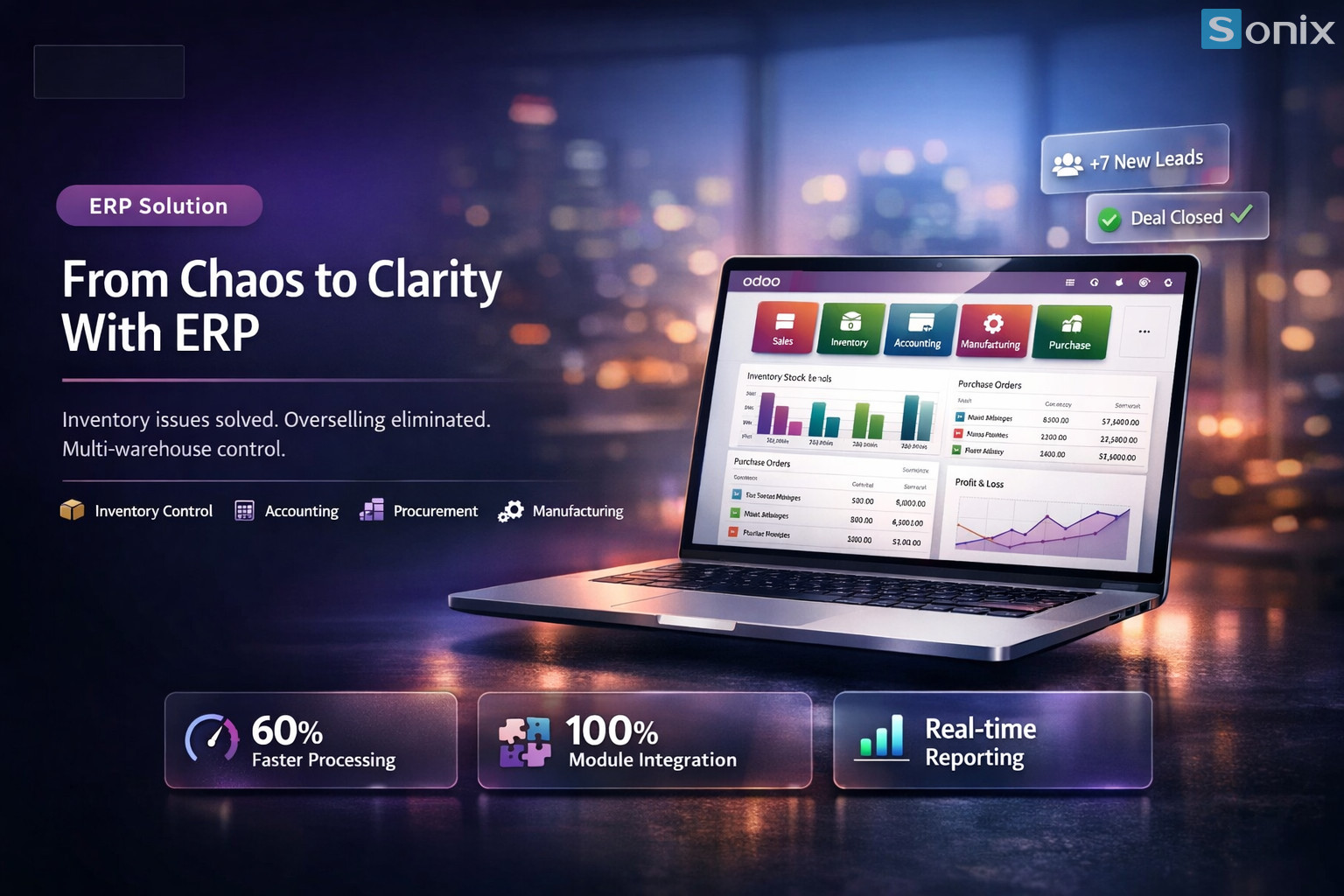
Table of Contents
💡 According to Panorama Consulting, businesses that switch from Excel to a warehouse ERP reduce stock discrepancies by an average of 38% in the first year of deployment — and Odoo is one of the most widely adopted warehouse management platforms in the global SME segment.
Target Audience
Who is Odoo Inventory for?
Not every business needs to deploy Odoo Inventory right away — but if you recognise yourself in any of the three situations below, it’s time to act. Continuing to manage stock in Excel as your business scales is like measuring a highway with a ruler.
≥2
Warehouses or branches operating simultaneously
Excel
Still using spreadsheets to track inventory manually
Oversell
Regularly overselling or running out of stock before fulfilling orders
If you recognise even one of these warning signs, an integrated inventory management software like Odoo will help you regain real-time control of your stock.
Features
4 Core Features of Odoo Inventory
Odoo warehouse management is designed to tackle the pain points Excel simply cannot: instant updates, process automation, and accurate inventory valuation. Here are the four features that make the biggest difference.
Barcode Scanning — Scan a Code, Update Stock Instantly
Warehouse staff use a scanner or smartphone to scan barcodes or QR codes — the system automatically records stock receipts and issues in real time, with no manual data entry. Typing errors drop to near zero and order-processing speed increases significantly. This feature is built directly into Odoo Inventory — no expensive hardware required.
Multi-Warehouse — Manage All Warehouses from One Interface
Odoo Inventory lets you create multiple warehouses and storage locations, and monitor stock levels at each site in real time from a single screen. Internal transfers between warehouses are automatically generated as transfer orders, with step-by-step status tracking. No more back-and-forth emails asking ‘how much stock is left at the other branch?’
Reorder Rules — Automatically Replenish When Stock Runs Low
Set a minimum quantity threshold for each product — when stock hits that level, the system automatically generates a purchase suggestion or manufacturing order without anyone having to remember. This feature completely eliminates unexpected stockouts and reduces carrying costs caused by over-ordering. It is the foundation for running a true just-in-time inventory operation.
Inventory Valuation — Automated FIFO/AVCO, Accounting-Ready
Odoo inventory management software supports stock valuation using FIFO (First In, First Out) or AVCO (Average Cost) — automatically calculated and synced to the accounting module with no re-entry required. End-of-period inventory value reports are accurate to the last cent and audit-ready at any time.
Real-World Results
Real-World Results: 40% Reduction in Stock-Count Time
According to data from Odoo and global implementation partners, SME businesses that switch to Odoo warehouse management record measurable results within the first 3–6 months. The three most important metrics:
35–40%
Reduction in periodic stock-count time through barcode scanning & automation
~38%
Reduction in stock discrepancies vs. book records (Panorama Consulting)
1 dashboard
Manage all warehouses, branches, and real-time stock levels in one place
These numbers are not theoretical — they come from real businesses that previously relied on Excel and made the switch to Odoo Inventory. More importantly, the staff time saved can be reinvested into higher-value work.
Getting Started
How to Get Started with Odoo Inventory
Many businesses hesitate to deploy an ERP due to concerns about complexity and cost. In practice, Odoo Inventory can go live within 4–8 weeks following the clear 3-step roadmap below.
| Step | Action | Expected Outcome |
|---|---|---|
| 1. Assessment | Map current warehouse processes; identify number of warehouses, SKUs, and unique workflows | Gap map between Excel and Odoo |
| 2. Configuration | Set up warehouses, locations, barcodes, reorder rules, and valuation method | System ready for pilot testing |
| 3. Go-Live | Train warehouse staff, run parallel operations for 2 weeks, then fully cut over | Real-time stock visibility and reduced discrepancies from month one |
With the support of an experienced implementation partner, this timeline can be shortened significantly. Sonix has deployed Odoo inventory management software for numerous SME businesses in Vietnam and Japan using a standardised, proven process.
Summary
Key Takeaways
| Takeaway | What It Means for Your Business |
|---|---|
| Odoo Inventory effectively replaces Excel | Real-time stock updates eliminate discrepancies between book records and physical counts |
| Barcode scanning reduces data-entry errors | Warehouse staff work faster with fewer mistakes — no complex training required |
| Reorder rules prevent unexpected stockouts | Automates the purchasing process and reduces opportunity costs from stockouts |
| Odoo warehouse management integrates with accounting | FIFO/AVCO automatically syncs to the general ledger — audit-ready at any time |
| Go live in 4–8 weeks with a 3-step roadmap | Low implementation risk with measurable ROI achievable within the first quarter |
Ready to let Odoo Inventory eliminate your stock discrepancies for good?
The Sonix team will assess your current warehouse processes and propose a tailored inventory management software implementation roadmap — completely free of charge.
Just 30 minutes is all it takes to find out whether Odoo is the right fit for your team.
Sonix — Your success is our happiness.
Leave us your comment