

 Tiếng Việt
 日本語
日本語Many SMBs rolling out Odoo start with a single sales price for every customer – then handle discounts manually on each order.
That works fine while the company is small, but as the number of customers, sales channels, and promotions grows, “manual price fixing” starts causing errors: staff quoting the wrong price, inconsistent discounts across orders, or forgetting to switch off a promotion once it ends.
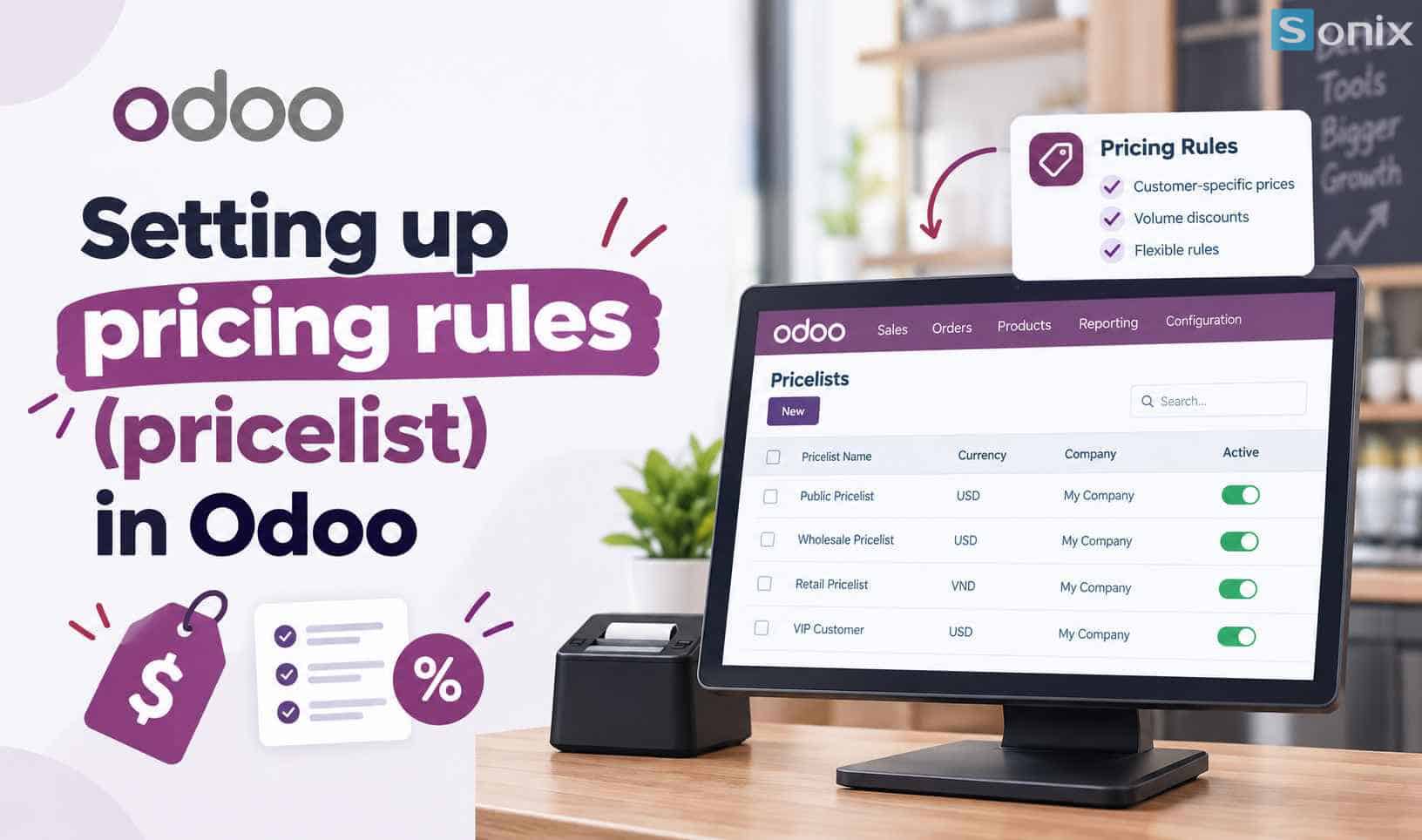
Odoo’s Pricelist module is built to solve exactly this: define pricing rules once, and the system automatically applies the right price to the right customer, at the right quantity, at the right time – with no one needing to remember to update it by hand. This article walks through the most common types of pricing rules in Odoo, and how to set up a complete pricelist for an SMB.
Table of Contents
💡 Insight: The most common mistake when configuring a pricelist isn’t picking the wrong rule type – it’s cramming every exception into a single pricelist meant for all customers. The result is a price table that’s both hard to maintain and easy to misapply. A more durable approach is to split pricelists by customer group or sales channel, with one pricelist per group.
UNDERSTANDING
5 Common Pricing Rule Types in Odoo Pricelist
Fixed Price per Product
Sets a specific price for a product or product group under a given pricelist. Useful when a company needs different prices per distribution channel – for example, retail pricing versus wholesale pricing.
Percentage Discount on List Price
Deducts a fixed percentage from the list price, applied across the whole catalog or a specific category. Commonly used for loyalty discount programs (VIP customers, long-term partners).
Quantity-Based Discounts
Defines multiple price tiers based on order quantity – for example, 5% off from 50 units, 10% off from 100 units. Odoo automatically selects the right tier as the quantity on an order changes.
Cost-Based Formula Pricing
Instead of entering each price manually, this rule calculates the sales price automatically based on cost price plus a target margin. When the cost changes (e.g., a supplier adjusts pricing), the sales price updates automatically through the formula.
Time- and Condition-Limited Pricelists
Each rule can carry a start/end date and be scoped to a specific customer group or sales channel (website, POS, B2B). Once a promotion ends, the system stops applying it automatically – no manual switch-off needed.
COMPARISON
Which Rule Should You Use for Each Situation?
There’s no single “best” rule type – the right choice depends on your business model and how you segment customers. The table below maps common situations to the pricing rule that fits.
| Business Situation | Best-Fit Rule Type |
|---|---|
| Wholesale pricing differs from retail pricing | Fixed price on a dedicated pricelist |
| VIP program / long-term partners | Percentage discount |
| Encouraging bulk orders | Quantity-based discounts |
| Raw material costs fluctuate frequently | Cost-based formula pricing |
| Time-limited promotions | Time-limited pricelist |
IN PRACTICE
How to Set Up a Complete Pricelist
Before creating your first pricelist, enable “Multiple Prices per Product” or “Advanced Price Rules” in the Sales/Inventory settings, depending on how much complexity you need.
From there, the setup process typically follows these steps: identify the customer groups that need separate pricing (e.g., retail, wholesale, partners), create one pricelist per group, add pricing rules in priority order – more specific rules (product-level) should come before general ones (category-level), since Odoo applies the first rule that matches – assign a default pricelist to each customer group on their Customer record, and finally verify everything by creating a test quotation for each group to confirm the displayed price matches expectations.
If you need a team to help get this pricing setup right from the start, check out Sonix’s Odoo implementation service.
A well-designed pricelist doesn’t just prevent quoting mistakes – it also gives your sales team more confidence when negotiating, since they know exactly which prices are permitted instead of having to check with a manager on every order.
KEY TAKEAWAYS
| Key Point | What It Means for Your Business |
|---|---|
| Split pricelists by customer group instead of using one shared table | Makes the price table easier to maintain and reduces the risk of misapplied prices. |
| Rule priority matters as much as rule type | Specific rules need to come before general ones to prevent Odoo from applying the wrong rule. |
| Cost-based formulas cut down on manual price updates | Sales prices adjust automatically when input costs change. |
| Time-limited pricelists let promotions end on schedule | No more forgetting to turn off promotional pricing after a campaign. |
Still handling discounts manually on every order?
Book a 30-minute discovery call so Sonix can review your current pricing structure and design a pricelist that fits, before implementation begins.
Hundreds of businesses using Odoo in Vietnam have started their journey this way.
Sonix – Your success is our joy.
Leave us your comment