

 Tiếng Việt
 日本語
日本語Friday, 4 p.m.: a client messages to ask whether the banner design is done. The designer thinks they’re still waiting for content approval, and the account manager thinks the file went out yesterday. For an agency with 5 projects, a few messages fix that. With 50 projects running in parallel, this is how deadlines slip quietly.
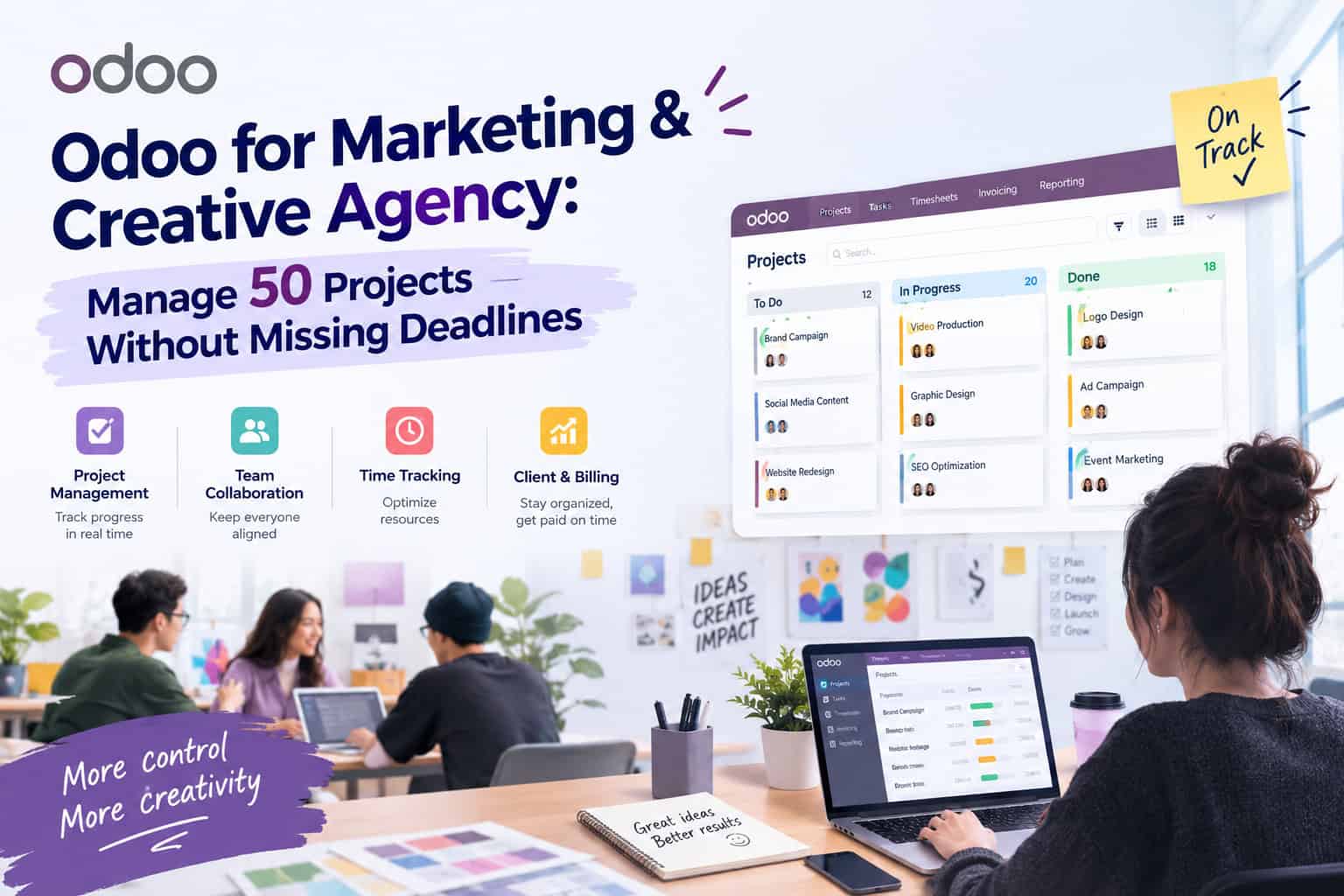
This article explains how Odoo for Marketing & Creative Agencies helps you stay in control of many projects at once: why deadlines slip, three setup steps that surface risk early, how to connect progress to money, and what to watch for so the system doesn’t become one more tool nobody opens.
Table of Contents
💡 Insight: Deadlines rarely slip because the team works slowly. They slip because nobody sees early that one person is carrying too much, or that a task is waiting on someone else. Managing 50 projects is a visibility problem, not a work-capacity problem.
50 projects
Running in parallel on one process and one tracking board
3 steps
Standardize, see workload, connect to timesheets and invoices
1 data source
Account managers, designers, content and finance see the same numbers
PART 1
Odoo for Marketing Agencies: why do projects keep missing deadlines?
Marketing and creative agencies share one trait: each project is small, but there are many of them, with many people involved (account managers, strategists, content writers, designers, media buyers, clients) and tasks that depend on each other in a chain. When work is managed across chat, spreadsheets and disconnected task tools, delays usually trace back to the same few causes.
| Common symptom | Root cause | Consequence |
|---|---|---|
| Tasks wait on each other and nobody knows | Task dependencies live in each person’s head | Designers start late because content isn’t approved yet |
| A few people are always overloaded | No overall view of each person’s workload | Top performers keep getting more work until they run late |
| Every project runs differently | No standard process or task checklist | Approval and handover steps get forgotten |
| You learn about delays too late | Progress reports are updated manually, weekly | Risks surface on the delivery date itself |
All four symptoms have one solution in common: bring every project, task and hour into one system so risk shows up early, instead of waiting for the person in charge to report it.
PART 2
Step 1: Standardize every project with templates and stages in Odoo Project
With 50 projects, the first move isn’t buying another tool. It’s getting every project to follow the same familiar frame. In Odoo Project, that frame consists of the following components.
🗂️ A consistent set of project stages
Define stages the way your agency actually works, for example: Brief, In Progress, Internal Review, Client Review, Done. Every project uses the same stages, so a glance at the Kanban board shows where work is stuck.
📋 Templates for each project type
A social campaign, a brand identity and a landing page each have different task lists. Save each type as a template so a new project starts with ready-made tasks, assignees and suggested deadlines instead of being rebuilt from scratch.
🔗 Task dependencies and delivery milestones
Declare which task must finish before another can start (content approved, then design) and set key milestones such as the client review date and go-live date. The system reminds the right person at the right time instead of relying on memory.
PART 3
Step 2: See workload to manage deadlines before they slip
Once every project follows the same frame, you can start asking real management questions: “Who is overloaded next week? Which projects are at risk of slipping?” Odoo answers with the following views.
- Deadline filters: instantly see overdue tasks or tasks due this week, grouped by project, assignee or client.
- Kanban by stage: spot bottlenecks, for example many tasks piling up in the “Client Review” column.
- Resource planning calendar: the Planning app (part of the Enterprise edition) shows how many hours each person is assigned per week, so you can rebalance work before overload happens.
- Timesheets by task: compare estimated hours with actual hours to see which tasks are taking longer than expected.
The difference is timing. Instead of learning about a delay on the delivery date, managers see the warning signs mid-project, with enough time left to adjust.
PART 4
Step 3: Connect progress to timesheets, quotations and invoices
For an agency, a missed deadline isn’t only a reputation issue. It’s a money issue: hours that exceed the estimate mean a thinner project margin. Because Project, Timesheet, Sales and Invoicing share the same data, you can track both dimensions on the same project.
| Management question | Data needed | Source in Odoo |
|---|---|---|
| Is this project going over hours? | Hours sold vs. actual hours logged | Sales + Timesheet |
| When can we invoice? | Completed milestones or approved timesheets | Project + Invoicing |
| Which client is the most profitable? | Revenue and costs tied to each project | Project profitability report |
| Should we take on more work? | The team’s current workload | CRM + Planning |
On editions: Odoo comes in Community and Enterprise versions, and the official apps, features and pricing plans may change over time. Some features (for example Planning or the Gantt view) belong to the Enterprise edition, so confirm the feature scope by edition before finalizing your solution and budget.
PLAN
Implementation notes for Marketing & Creative Agencies adopting Odoo
Odoo won’t make deadlines on its own. The system only pays off when the whole team actually uses it. Three things to do before you begin:
- Start with Project and Timesheet: bring all running projects into one place and let the team get used to logging hours. Once that habit is stable, add Sales, Invoicing and Planning.
- Keep stages and templates simple: if every project has 30 steps, people will avoid updating them. Choose the steps that truly decide whether a project runs late.
- Commit to updating in the system: make it a rule that progress only counts once it is updated in Odoo. If reporting continues in parallel via chat and spreadsheets, the system will quickly go stale.
If you’d like help designing the stages, templates and an implementation roadmap that fit your agency, Sonix can support you. Learn more about our Odoo implementation services.
KEY TAKEAWAYS
| Key point | What it means for agency leaders |
|---|---|
| Standardize stages and templates | Every project follows one frame, and the Kanban board shows where work is stuck. |
| See workload early | Spot overload and delay risk mid-project, not on the delivery date. |
| Connect progress to timesheets and invoices | Know which projects are on time and which are truly profitable. |
| Start small, make sure the team uses it | The system only works when everyone updates progress directly in Odoo. |
Managing dozens of projects and worried about missed deadlines?
Book a 30-minute discovery call so Sonix can help you define your project framework, the Odoo apps to implement first, and a roadmap that fits your agency.
Sonix – Our customers’ success is our joy.
Leave us your comment