

 Tiếng Việt
 日本語
日本語Quarter-end close at the agency: revenue is up 18% and every team is working late. But when the director asks, “Which projects made money and which lost money?”, accounting can only report revenue per contract. Costs are scattered across payroll, freelancer invoices and each person’s timesheet file. Everyone can see revenue, but no one is sure about the profit on each project.
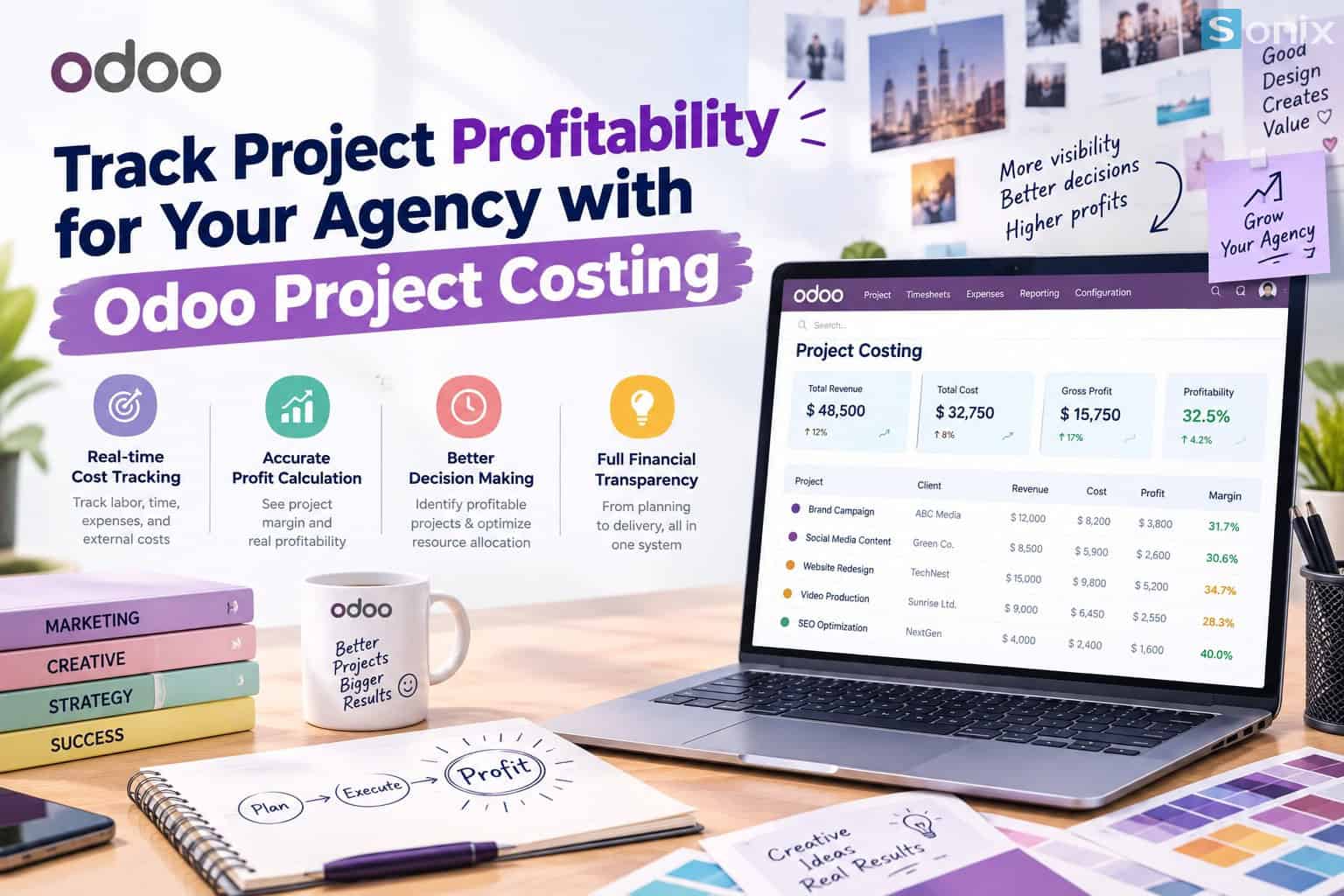
This article shows how to use Odoo Project Costing to calculate the profitability of each agency project in four steps: link the project to the sales order, set a cost rate for working hours, record external costs against the right project, and read the profit and loss table while the project is still running.
Table of contents
- High revenue does not mean a profitable project
- Step 1: Link the project to the sales order for the revenue side
- Step 2: Set an hourly cost rate for each team member
- Step 3: Record external costs against the right project
- Step 4: Read profitability and act while the project is running
- Implementation tips for Odoo Project Costing
💡 Insight: Agencies rarely lose money because they lack clients. They lose money because they don’t know which project is eating into the margin. Hours over the quote, surprise freelancer costs and out-of-scope revisions are small losses that only show up once they are added together on one project.
1 screen
Revenue, costs and margin of a project in one place
3 cost sources
Working hours, vendor bills and employee expenses
Mid-project
See the margin while there is still time to adjust, not after the wrap-up
PART 1
Odoo Project Costing: why high revenue does not mean a profitable project
To know how much a project earned, you need three numbers in the same place: what the client pays, the hours spent and the cost of outside purchases. Most agencies keep these three numbers in three different places.
| Current practice | What happens | With Odoo Project Costing |
|---|---|---|
| Revenue by contract, costs from a shared payroll sheet | No way to tell which project “burns” the most labor | Hours multiplied by each person’s cost rate, recorded straight to the project |
| Freelancer invoices, stock photos and ads lumped into one expense | External costs cannot be tied to a specific client | Vendor bills are assigned to the project as they are entered |
| Profit and loss calculated in Excel at project end | You learn about the loss after the project is closed, when nothing can be saved | The profitability table updates as data comes in |
| Quotes based on gut feeling | The same low price is repeated for a project type that loses money | Real margins from past projects guide pricing for new ones |
What the four rows have in common is that costs do not follow the project. The demo below shows how Odoo makes costs follow the project from the moment they occur.
STEP 1
Link the project to the sales order for the revenue side
In the demo, the agency wins a website design contract for client Lá Xanh Spa at a fixed price of 48,000,000 VND, covering 40 design hours and 20 content writing hours. All figures in this article are illustrative.
🛒 Quote with service products
The account manager creates a quotation with two service lines, Design Hour and Content Hour, configured to create a project automatically when the order is confirmed.
📝 Confirm the order, Odoo creates the project
The project Lá Xanh Spa – Website is created and linked to the order. From here, the order’s revenue is the project’s revenue, with nothing to re-enter elsewhere.
🧭 Break into tasks and assign people
The project manager creates the tasks Design the homepage and Write service page content and assigns them to the designer and the content writer. Every hour logged on these tasks counts toward the project’s costs.
STEP 2
Odoo Project Costing: set an hourly cost rate for each team member
Working hours only become a cost once they carry a rate. On the employee record, managers enter that person’s cost per hour, usually calculated from salary plus insurance plus the share of overhead allocated to each working hour.
- One cost rate per person: in the demo, the designer is 350,000 VND/hour and the content writer is 280,000 VND/hour. Their hours carry different cost values even when logged to the same project.
- Cost is calculated as hours are logged: employees track time as usual, and Odoo multiplies the hours by the cost rate to get the labor cost of that entry.
- Cost rates are sensitive data: only managers and accountants should see them, and regular employees do not need to see colleagues’ rates.
- Review regularly: when salaries or overhead change, revisit the rates each quarter so reports do not drift.
To learn how to track time with one click and view Billable Hours by project, see Sonix’s Odoo Timesheet demo, since that is the data source feeding Project Costing.
STEP 3
Record external costs against the right project so Project Costing adds up
Working hours are usually the largest cost, but not the only one. Agencies also buy licensed images, hire freelancers, pay for domains or run ads on behalf of clients. If these are not tied to a project, the profit and loss table looks better than reality.
| Cost type | Where it is entered | How it links to the project |
|---|---|---|
| Internal working hours | Timesheet on the task | Automatic, through the task’s project |
| Freelancers, stock photos, domain fees | Vendor bill or purchase order | Select the project (analytic account) on the cost line when entering it |
| Out-of-pocket employee costs (travel, printing) | Employee expense report | Select the project on the expense line |
In the demo, a 4,500,000 VND invoice for licensed images used on the homepage is entered by the accountant and assigned to the project Lá Xanh Spa – Website. The rule for the whole team is short: every invoice related to a client must have a project selected before it is saved.
STEP 4
Read project profitability and act while the project is running
Once revenue, working hours and external costs sit in the same project, the Profitability section of the project update screen combines them into one table. Below is the table for the demo project after completion, compared with the plan at quotation.
| Item (Lá Xanh Spa – Website) | Plan at quotation | Actual |
|---|---|---|
| Revenue (fixed price) | 48,000,000 VND | 48,000,000 VND |
| Design hours | 40 hours = 14,000,000 VND | 52 hours = 18,200,000 VND |
| Content hours | 20 hours = 5,600,000 VND | 18 hours = 5,040,000 VND |
| Vendor bill (licensed images) | 4,500,000 VND | 4,500,000 VND |
| Total cost | 24,100,000 VND | 27,740,000 VND |
| Gross profit and margin | 23,900,000 VND (about 49.8%) | 20,260,000 VND (about 42.2%) |
Just 12 design hours over plan pulled the margin down by about 7.6 percentage points. On a fixed-price contract, the agency absorbs this itself. What matters is seeing this number while the project is still running, rather than after handover.
- When design hours reach 80% of hours sold: the project manager alerts the client early, agrees on the number of remaining revision rounds or quotes the extra work as a new service line.
- When the margin falls below the target: review assignments, shift some work to someone with a more suitable cost rate or cut external costs that are not yet needed.
- When the project closes: save the actual margin as the basis for pricing similar projects, such as spa websites, restaurant websites or brand identity packages.
With the same data, the director can also compare which projects, clients and service types deliver the best margin, and decide what kind of work to take on more of.
IMPLEMENTATION
Implementation tips for Odoo Project Costing at your agency
The profitability table is only accurate when the input data is complete. The three tips below help agencies avoid the most common errors from the first month:
- Agree on one way to calculate hourly cost: choose a single formula (salary, insurance, overhead) and apply it to everyone, so comparisons between projects are meaningful.
- Lock the project-assignment step for invoices: accounting does not save a client-related cost invoice until a project is selected. Every missed entry makes a project look more profitable than it is.
- Start with a few pilot projects: test on 2 to 3 running projects, reconcile with the accounting books, then roll out to the whole agency.
On editions, Odoo comes in Community and Enterprise, and the official feature scope can change from version to version. Some Timesheet, Project and Accounting features may belong to Enterprise, so confirm against the version you use before finalizing the solution.
If you want a partner to help set up service products, hourly cost rates and the flow from costs to profit and loss reports, Sonix can help. Learn more about our Odoo implementation services.
KEY TAKEAWAYS
| Key point | What it means for agency leaders |
|---|---|
| Project linked to the sales order | The revenue side of the project is already there, with no re-entry or manual reconciliation. |
| A cost rate for every working hour | Project labor cost reflects exactly who worked how many hours. |
| External costs tied to the right project | The profit and loss table is not flattered by missing freelancer or stock photo invoices. |
| Read profitability while the project runs | Time to renegotiate scope, rebalance staffing and use real margins to price the next quote. |
Want to know which of your agency’s projects are making money and which are losing it?
Book a 30-minute discovery call and Sonix will demo the flow from sales order, working hours and external costs to the profitability report, built around the way your agency bills clients.
Sonix – Our customers’ success is our joy.
Leave us your comment