

 Tiếng Việt
 日本語
日本語Before you sit down for another CRM vendor demo, ask yourself one question first: “What criteria am I actually comparing against?” Most SMBs make this decision based on gut feeling after a slick demo, only to discover the gaps later – hidden costs, missing integrations, employees who refuse to adopt the system – after the contract is already signed.
To help you avoid that mistake, Sonix is sharing a free 35-Criteria CRM Evaluation Template – the same objective scoring tool our consulting team uses when working with SMB clients.
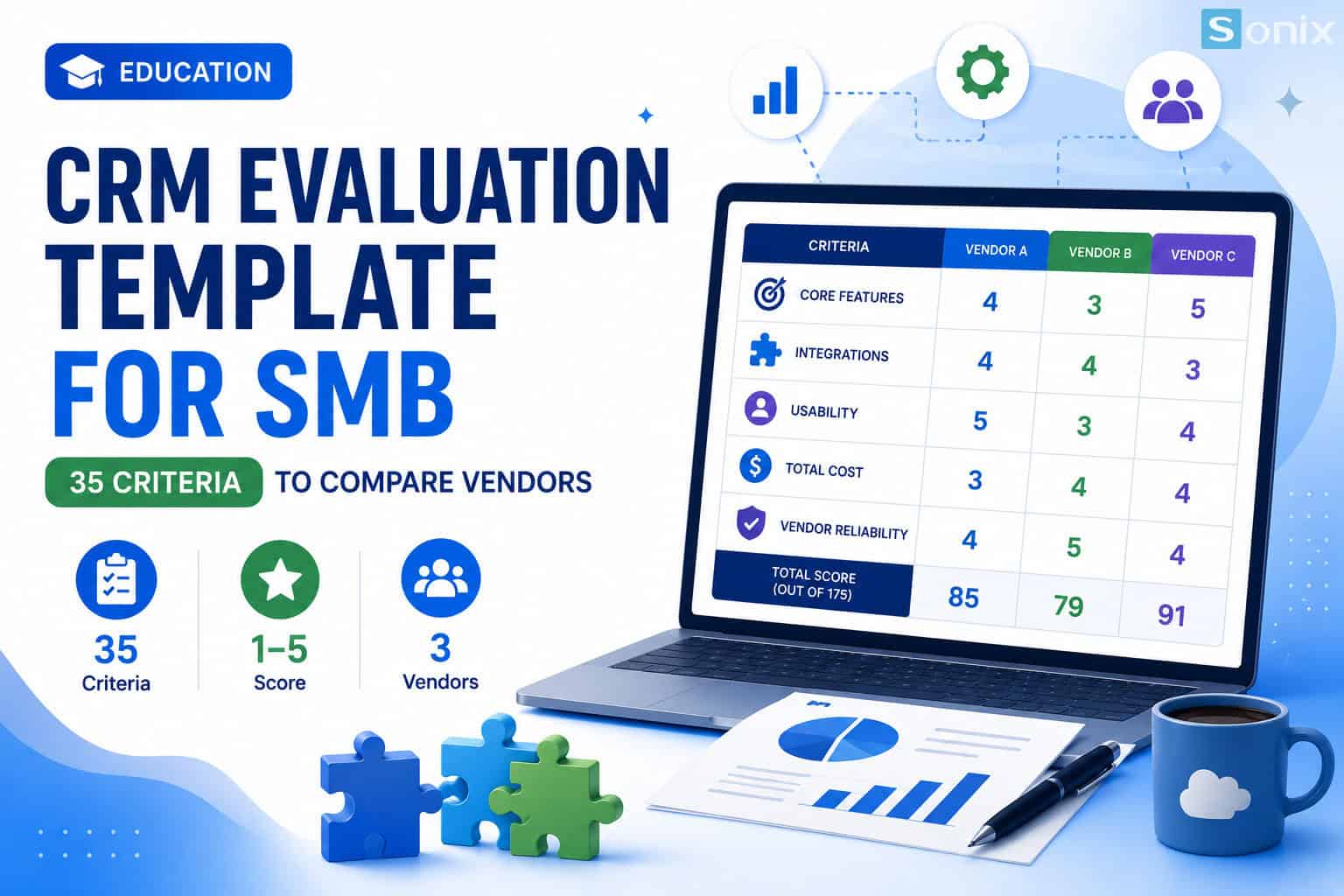
Table of contents
A simple rule: a CRM that looks great on the brochure isn’t necessarily the right CRM for your team. Scoring against specific criteria removes the guesswork and keeps the focus on what actually matters – whether the system gets used.
The common problem
Why SMBs need a scorecard, not a “gut feeling”
Most SMBs approach CRM selection fairly casually: watch a demo, ask for pricing, then pick whichever vendor “sounded the most convincing.” The problem is every vendor knows how to highlight their strengths and downplay their weaknesses – without a fixed set of criteria to check against, it’s genuinely hard to compare options fairly.
The usual result: businesses end up with a system that’s too complex for the size of their sales team, or they miss a critical integration (accounting, call center) and only discover the extra cost once implementation is underway. A standardized checklist helps you ask the right questions before signing, instead of finding problems after you’ve already paid. Salesforce’s SMB trends report also points to clear data and processes as an increasingly important factor for small businesses trying to grow efficiently.
What’s inside the template
5 criteria groups in the template (35 criteria)
The template is organized into 5 groups covering everything worth weighing when choosing a CRM – from core features and integrations to user experience and real-world cost:
Core features
Lead & contact management, pipeline, sales workflow automation, tasks/appointments, email, dashboards, documents/contracts, quoting (CPQ), customer service cases, mobile app, and custom fields/objects.
Integration capability
Email, accounting software, marketing automation, call center/support, open API, payment gateways, and middleware platforms like Zapier/Make – the connections that are easy to overlook during a demo.
UX & adoption
Intuitive interface, data-entry speed, role-based personalization, localization support, onboarding time, and independent user reviews – the group that determines whether employees actually use the system.
Total cost of ownership (TCO)
License/user/month, initial implementation cost, customization & extra integrations, training, annual maintenance/support, and cost of scaling up seats – so you compare total cost, not just the list price.
Vendor reliability
Track record & implementation experience, support SLA commitments, data security & compliance, backup/disaster-recovery capability, and long-term product roadmap.
How to use it
How to use the template to score and decide
The template is built in Excel so you can start using it right away, no extra tools required:
| Step | What to do |
|---|---|
| 1. Score each criterion | For every criterion, score 1 (very poor) to 5 (excellent) for each vendor you’re considering, up to 3 vendors at once. |
| 2. Add notes | Use the notes column to record why you scored something, the quoted price, or a question to raise at the next demo. |
| 3. Check the totals | The sheet automatically sums scores by group and calculates a final total (max 175 points) – no manual math needed. |
| 4. Weigh it against budget | The highest-scoring vendor isn’t automatically the right pick if it blows past your budget – use the “Total cost of ownership” group to sanity-check your final decision. |
Note: the scorecard is a tool to make your decision more objective, not a replacement for talking directly with an implementation team to understand the specific trade-offs in your situation. For extra context, this Salesforce breakdown of notable sales trends for SMBs is worth a read when you’re weighing your budget against your growth goals.
“A good CRM decision doesn’t come from the most impressive demo. It comes from knowing exactly what you need before you walk into the room with a vendor.”
Free resource
Download the free template
The full 35-criteria template, built in Excel, auto-calculates scores by group and a final total – completely free, no card required.
CRM Checklist
CRM Evaluation
Lead Magnet
Sonix Vietnam
Get the free 35-Criteria CRM Evaluation Template
Auto-scoring Excel file, compare up to 3 vendors side by side. It takes 5 minutes to start comparing objectively before you meet a single vendor.
📋 Comment “CHECKLIST” below or drop your email
The Sonix team will send you the free Excel file directly.
Want to talk through your CRM decision right away? Book a free consultation with a Sonix expert:
Sonix – Your success is our happiness.
Leave us your comment