

 Tiếng Việt
 日本語
日本語“Odoo has a free edition, so why pay for Enterprise?” It is a question Sonix hears in almost every consultation. It is a fair one, but it often leads to two opposite mistakes: choosing Community because it is “free” and then discovering the costs simply sit elsewhere, or choosing Enterprise because it seems “more complete” when the business will never use half of its features.
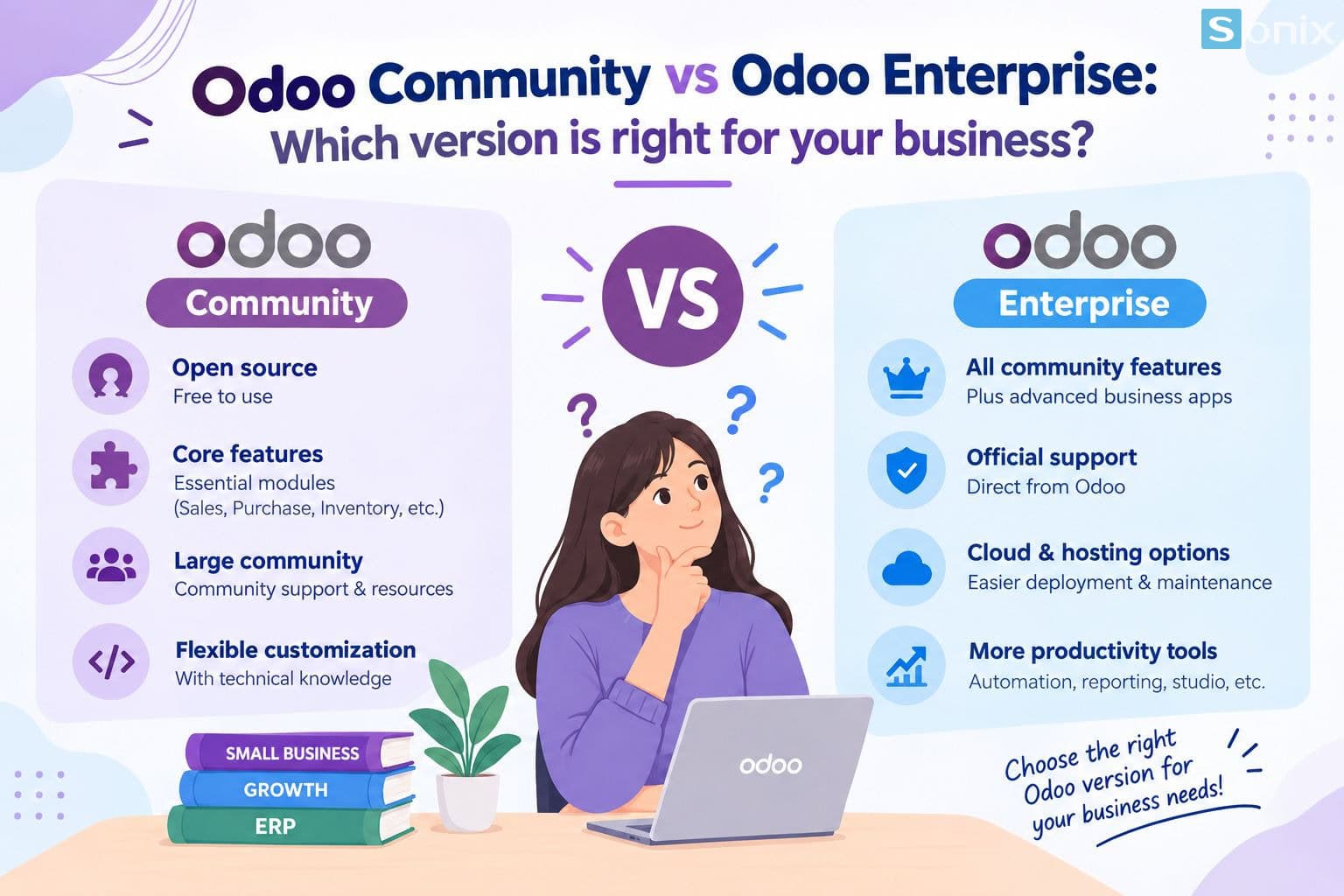
This article compares Odoo Community vs Enterprise on the criteria SMBs care about most: licensing, features, total cost, hosting, support, and upgrades. At the end, you will find a set of questions to help you decide which edition to start with.
Table of Contents
💡 Insight: The right question is not “free or paid,” but “who will carry the technical work and operational risk over the next 3-5 years?” Community shifts that work to your team or your implementation partner; Enterprise moves part of it to the vendor through the subscription fee.
2 editions
Community (open source) and Enterprise (subscription)
1 core platform
Enterprise is built on top of Community, not a different product
$0
license fee for Community, excluding implementation and operations
FOUNDATION
Odoo Community and Enterprise: one shared foundation
Before comparing, one thing is worth understanding: these are not two different software products. Enterprise contains the entire Community core, plus exclusive apps, its own interface, and bundled services. According to Odoo’s editions comparison page, Community is the core on which Enterprise is built, and businesses can switch editions as their needs change.
🧩 Odoo Community: the open-source foundation
Released under the LGPLv3 license, it can be downloaded, run on your own servers, modified, and extended with custom modules. Core apps such as Sales, Purchase, Inventory, CRM, Project, and basic accounting are included, which suits businesses with fairly standard processes.
🏢 Odoo Enterprise: more apps, services, and operational tools
Uses a commercial license and requires a per-user subscription. It adds apps such as Studio, Documents, and Sign, advanced accounting and inventory tools, plus official support and version upgrade services.
COMPARISON
Odoo Community vs Enterprise: a criterion-by-criterion comparison
The table below summarizes the main differences. The exact list of apps can change between Odoo versions, so check Odoo’s official editions comparison page before finalizing your scope.
| Criteria | Odoo Community | Odoo Enterprise |
|---|---|---|
| License | Open source (LGPLv3), no license fee | Commercial license, per-user subscription |
| Apps and features | Core apps: sales, purchase, inventory, CRM, project, basic accounting | Everything in Community, plus Studio, Documents, Sign, and many advanced apps |
| Accounting | Basic invoicing and bookkeeping, suited to simple workflows | Adds advanced tools such as bank synchronization, automated reconciliation, and document recognition (OCR) |
| Inventory and manufacturing | Basic stock management and BOM-based manufacturing | Adds tools such as Barcode, Shopfloor, and IoT device connectivity |
| Customization | Customization through code; full access to the source | Includes Odoo Studio to create fields, screens, and simple workflows with little code |
| Hosting | Self-managed on your own server or cloud | Odoo Online, Odoo.sh, or self-managed (on-premise) |
| Support and upgrades | Community and implementation partners; version upgrades are your responsibility | Official support from Odoo and version upgrade services included with the subscription |
| Interface and mobile | Standard web interface | Extended interface and official mobile apps |
Looking at the table, most differences fall into three groups: tools that reduce manual work (accounting, inventory, Studio), how the system is operated (hosting, upgrades), and the level of official support. Foundational processes such as quotations, sales orders, and purchasing run on both editions.
COST
The real cost: “free” does not mean no cost
Community has no license fee, but an ERP project always has costs. The difference is where those costs land. When comparing Odoo Community vs Enterprise, calculate total cost of ownership (TCO) over at least 3 years rather than looking only at the “license” line.
| Cost item | Community | Enterprise |
|---|---|---|
| License | None | Recurring subscription, growing with the number of users |
| Implementation and configuration | Yes; often higher because you may need to build or buy extra modules to fill feature gaps | Yes; many needs can be met with built-in configuration |
| Hosting and security | Yours to manage: servers, backups, security patches | Flexible: use a platform operated by Odoo or self-manage |
| Version upgrades | A separate project, especially costly with heavy customization | Upgrade service included with the subscription (custom code still needs review) |
| Maintenance and support | In-house IT or an implementation partner | Official support, combined with an implementation partner for business processes |
One point specific to businesses in Vietnam: check early for requirements around e-invoicing, accounting standards, and tax reporting within your scope, since these often need localization modules and affect both editions. It is also a good reason to work with an implementation partner who understands the local market rather than researching it alone.
CHOOSING
Should your business choose Odoo Community or Enterprise?
There is no single right answer for every company. The two scenarios below help you position yourself quickly:
🧩 Community fits when…
Your processes are fairly standard (sales, purchasing, basic inventory), your team is small, you have in-house technical skills or a long-term partner, and you are willing to own hosting, backups, and upgrades. It is also a sensible way to trial an ERP on a low budget before expanding.
🏢 Enterprise fits when…
You need deeper accounting and inventory, manufacturing with shop-floor tracking, Studio or Sign to digitize processes quickly, official mobile apps, or you have no IT team to operate and upgrade the system. Fast-growing businesses also tend to prefer this edition to reduce operational risk.
If you are still undecided, try answering these five questions:
- Who will operate the system? If nobody is responsible for servers, backups, and security, Enterprise (or Community run with a system-administration partner) is safer.
- Do you need any exclusive features from day one? List your must-have features, then check which edition each belongs to.
- How much customization do you expect? Heavy customization makes version upgrades costly on both editions; budget for it from the start.
- How many users will you add? Enterprise is priced per user, so your real headcount directly affects the budget.
- What is your 3-5 year plan? If you will add branches, manufacturing, or new processes, choose the path that requires the least rework.
IN PRACTICE
Before you decide between Odoo Community and Enterprise
- Define scope first, choose the edition second: list the processes you need to digitize and their priority, then compare against each edition’s features. Doing it the other way around often leads to buying too much or too little.
- You can switch editions as needs change: Odoo states that businesses can move between the two editions, so starting small does not mean being locked in. However, custom and third-party modules need careful review before switching.
- Test on real data: the fastest way to compare is to see both editions run your company’s actual processes, rather than reading a feature table alone.
Sonix can help you build a feature comparison and a TCO estimate for each option before you decide. Learn more about our Odoo implementation services.
KEY TAKEAWAYS
| Key point | What it means for your business |
|---|---|
| Enterprise is built on top of Community | Starting with either edition does not close the door on the other. |
| “Free” only refers to the license | Compare total cost of ownership over 3-5 years, not just year-one cost. |
| The differences lie in advanced features and operations | Accounting, inventory, Studio, hosting, support, and upgrades are the deciding factors. |
| Define scope first, choose the edition second | Avoid paying for unused features or redoing work when something is missing. |
Not sure whether Odoo Community or Enterprise is right for you?
Book a 30-minute discovery call and Sonix will review your processes, budget, and growth plans with you, then recommend the best-fit option.
Sonix – Our customers’ success is our joy.
Leave us your comment