

 Tiếng Việt
 日本語
During weekend rush hours or holiday mega-sales like 11.11, every retail manager in Ho Chi Minh City dreads the same operational disaster: checkout screens spinning indefinitely due to fiber optic dropouts or jammed Wi-Fi networks. Lines back up through display aisles, irritated shoppers abandon overflowing baskets, and thousands of dollars in revenue vanish within minutes of counter congestion.
A hands-on Odoo POS demo highlights a major breakthrough in retail infrastructure: 100% offline resilience, sub-30-second barcode checkout processing, and automatic background reconciliation with the central database the moment connections recover without interrupting sales flow.
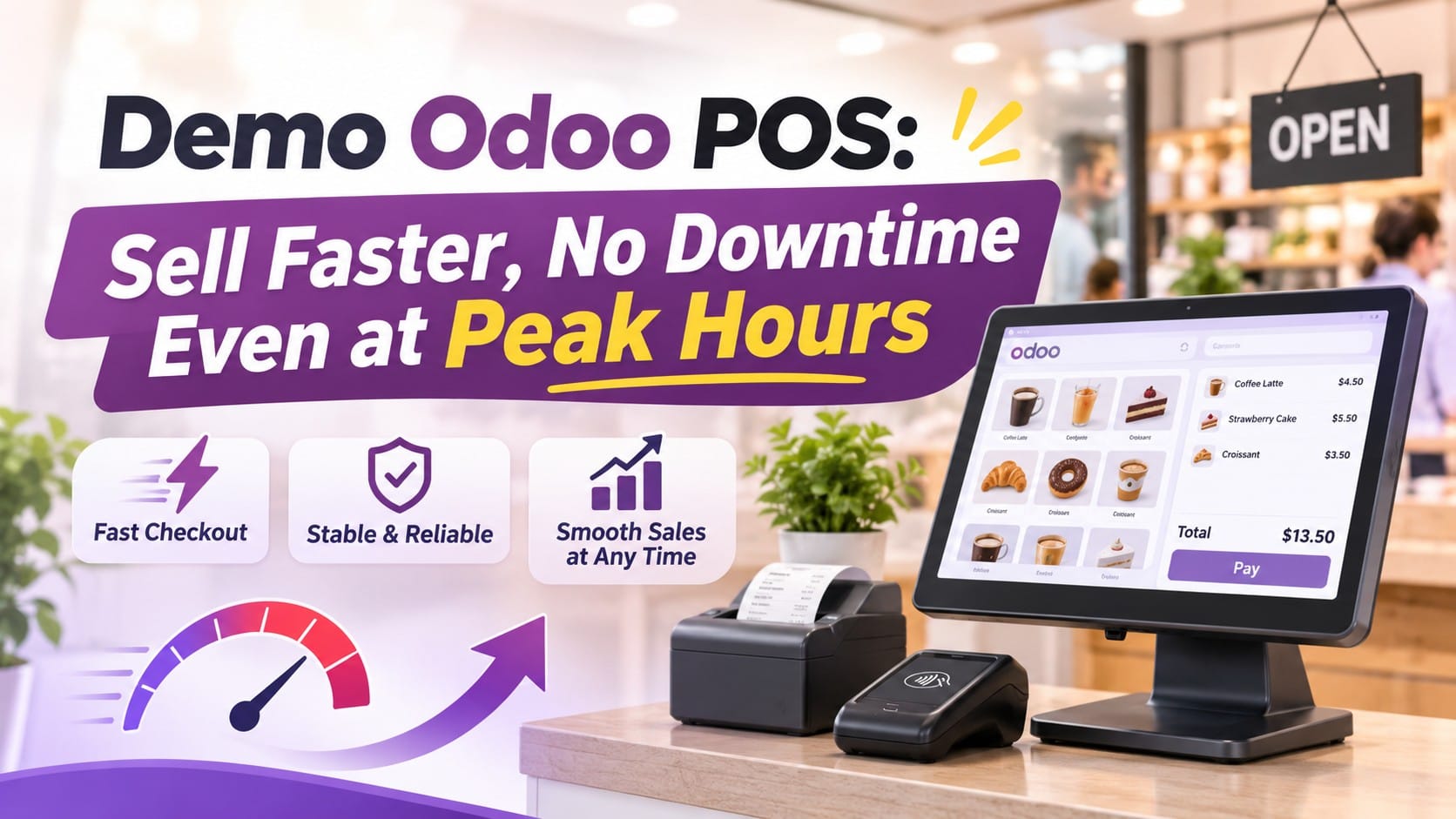
This breakdown details the technical architecture that keeps Odoo POS fully responsive, examines high-speed register workflows, and illustrates how multi-store chains protect top-line margins through high-traffic shopping periods.
Table of Contents
- The Single Point of Failure: Why Cloud Dependency Paralyzes Cash Registers
- The Offline-First Core: How Odoo POS Continues Selling Without Internet
- The Sub-30-Second Workflow: Streamlining Every Touchpoint for Cashiers
- Comparative Matrix: Conventional Cloud POS vs. Odoo Smart Offline POS
- 3 Steps to Stress-Test and Experience the Odoo POS Demo in Your Stores
💡 Core Insight: In physical retail, register uptime matters far more than back-office analytical bells and whistles. A software suite can boast advanced reporting, but if it locks up whenever a local Wi-Fi router stumbles, it becomes an active business liability. Odoo’s offline-first architecture turns every register into a standalone terminal, guaranteeing transactions never stop clearing.
100%
Operational availability for scanning, receipt printing, and cash intake without network access
< 25 Seconds
Average duration to complete an end-to-end checkout, from first barcode scan to printed receipt
0 Data Loss
Transactions safeguarded through client-side browser caching and background sync queues
PART 1
The Single Point of Failure: Why Cloud Dependency Paralyzes Cash Registers
Most legacy web-based point-of-sale applications rely on synchronous API calls to external cloud servers for every button press. When hundreds of shoppers flood storefronts during mega campaigns, network interruptions trigger immediate operational breakdowns:
| Network Incident | Point-of-Sale Register Impact | Direct Business Repercussion |
|---|---|---|
| High Latency & Packet Loss | Every item scan or promotional lookup stalls for 10 to 20 seconds waiting for server handshakes, leaving staff stranded. | Queue times surge out the storefront door; shopper frustration leads to high in-store cart abandonment. |
| Complete ISP Outage | The web app shows connection errors, locking screens and preventing staff from printing receipts or popping cash drawers. | Registers grind to a dead halt, forcing manual paper invoices that yield accounting variances and cash leakage. |
| Accidental Page Reloads | Cashiers hit refresh (F5) trying to unfreeze screens, wiping active cart contents and forcing full rescans. | Causes visible customer irritation at checkout counters and damages brand professionalism. |
PART 2
The Offline-First Core: How Odoo POS Continues Selling Without Internet
Odoo POS earns its reputation for dependable terminal stability by running as a Single Page Application (SPA) engineered around an Offline-First architectural pattern:
⚡ Client-Side Local Caching via IndexedDB
When opening a register session (Open Session), product catalogs, timed flash pricelists, barcode sequences, and membership tables load into the browser’s local IndexedDB engine. Product lookups run entirely inside local hardware memory in sub-millisecond intervals.
🧾 Direct Local Hardware Peripheral Communication
Even during severed upstream connectivity, Odoo POS talks directly to receipt printers, barcode guns, and cash drawers via local LAN, USB, or Bluetooth connections. Thermal bills generate instantly and change calculations process without transmitting packets over public internet lines.
🔄 Background Reconciliation Upon Reconnection
Every ticket completed offline queues securely client-side. As soon as connectivity returns, the system pushes pending records to the central database, adjusting balances inside Odoo Inventory and generating accounting journal entries automatically.
PART 3
The Sub-30-Second Workflow: Streamlining Every Touchpoint for Cashiers
During peak footfall, every extra click compounds queue friction. Odoo POS optimizes checkout down to a 4-touchpoint cadence:
⚡ Step 1: Continuous Barcode Scanning (1 – 3 Seconds)
Cashiers scan tags with wireless barcode readers. The interface identifies exact color and size variants instantly, calculating running balances in real time.
👤 Step 2: Phone-Based Member Recognition (3 – 5 Seconds)
Typing the customer’s phone number surfaces loyalty tiers (Silver, Gold, VIP) and points balances, automatically applying earned member discounts without physical plastic cards.
💳 Step 3: Fast Settlement Method Selection (5 – 10 Seconds)
Customer-facing displays generate dynamic banking QR codes with exact order sums, while cashiers select card terminal or cash settlement with one touch.
🖨️ Step 4: Validate, Auto-Print, and Reset (2 Seconds)
Hitting Validate cuts the paper slip, triggers drawer release, and clears the cart display instantly for the next customer in queue.
PART 4
Comparative Matrix: Conventional Cloud POS vs. Odoo Smart Offline POS
Comparing operational outcomes between conventional cloud setups and Odoo POS under high-pressure retail environments:
| Evaluation Criteria | Conventional Cloud-Only POS | Odoo Smart Offline POS |
|---|---|---|
| Network Dropout Resilience | Throws server errors, halts immediately | Continues normal checkout 100% |
| Scan & Pricing Execution Speed | Bound to Wi-Fi signal latency and cloud load | Instantaneous (< 0.1s) via client-side data caching |
| Hardware Interoperability | Often locked to proprietary vendor terminals | Broad compatibility: PCs, tablets, phones, and POS boxes |
| Post-Crash Session Recovery | Unsaved carts purge on sudden disconnects | Fully protected inside local browser storage |
PART 5
3 Steps to Stress-Test and Experience the Odoo POS Demo in Your Stores
To evaluate register durability before full chain-wide deployment, retail operators can run this 3-step proof-of-concept test:
- Step 1 — Spin Up a Sandbox with Real Variant Catalogs: Populate an Odoo POS session with 20 to 50 active SKU variants (sizes, colors), barcode definitions, and campaign discount pricelists.
- Step 2 — Execute the “Cable-Pull” Stress Drill: While actively scanning products and tendering payments, intentionally disconnect Wi-Fi or unplug Ethernet lines. Verify that thermal printing, barcode validation, and transactions clear without interface freezes.
- Step 3 — Inspect Auto-Sync Reconciliation: Reconnect network cables and observe central administration panels: offline sales upload seamlessly, adjusting stock balances and journal entries with zero manual intervention.
Explore custom point-of-sale implementations and multi-branch retail engineering through Sonix’s certified Odoo Implementation Services.
KEY TAKEAWAYS
| Core Technology Pillar | Direct Value for Retail Chains |
|---|---|
| Offline-First Architecture | Eliminates checkout paralysis during public network congestion and unexpected Wi-Fi outages. |
| Sub-30-Second Cadence | Triples register throughput during rush hours, preventing walkouts and expanding sales capacity. |
| Automated Ledger Reconciliation | Syncs offline sales into inventory counts and accounting ledgers automatically once back online. |
Want to test the zero-downtime performance of Odoo POS for your brand?
Book a 1-on-1 demo session with Sonix retail ERP specialists to observe the “offline cable-pull test” live and explore scalable checkout configurations across your retail stores.
🚀 Book an Odoo POS Offline Demo
Sonix – Empowering operational excellence and business productivity.
Leave us your comment