

 Tiếng Việt
 日本語
A Salesforce Campaign is a way to tie leads and deals to each marketing program, so you can see which program truly brings revenue. Picture this: 6 events and 4 ad bursts this year. Which program made money?
The short answer: a Campaign is a record that represents a program such as an event, webinar or ad. Leads and Contacts are added to the Campaign with a status such as registered or attended. Deals are tied to a source Campaign. Reports then show cost, leads, deals and revenue per program. The advanced layer is Campaign Influence, which records a deal being influenced by several programs.
Important note: the office equipment distributor and the 6 events and 4 ad bursts below are hypothetical examples, not real customers, and the article gives no result figures. Using Campaigns needs suitable permissions, usually granted by an admin. Campaign Influence depends on edition and must be turned on. Menu names may differ by release. Attributing revenue to programs is always an estimate, not a firm conclusion.
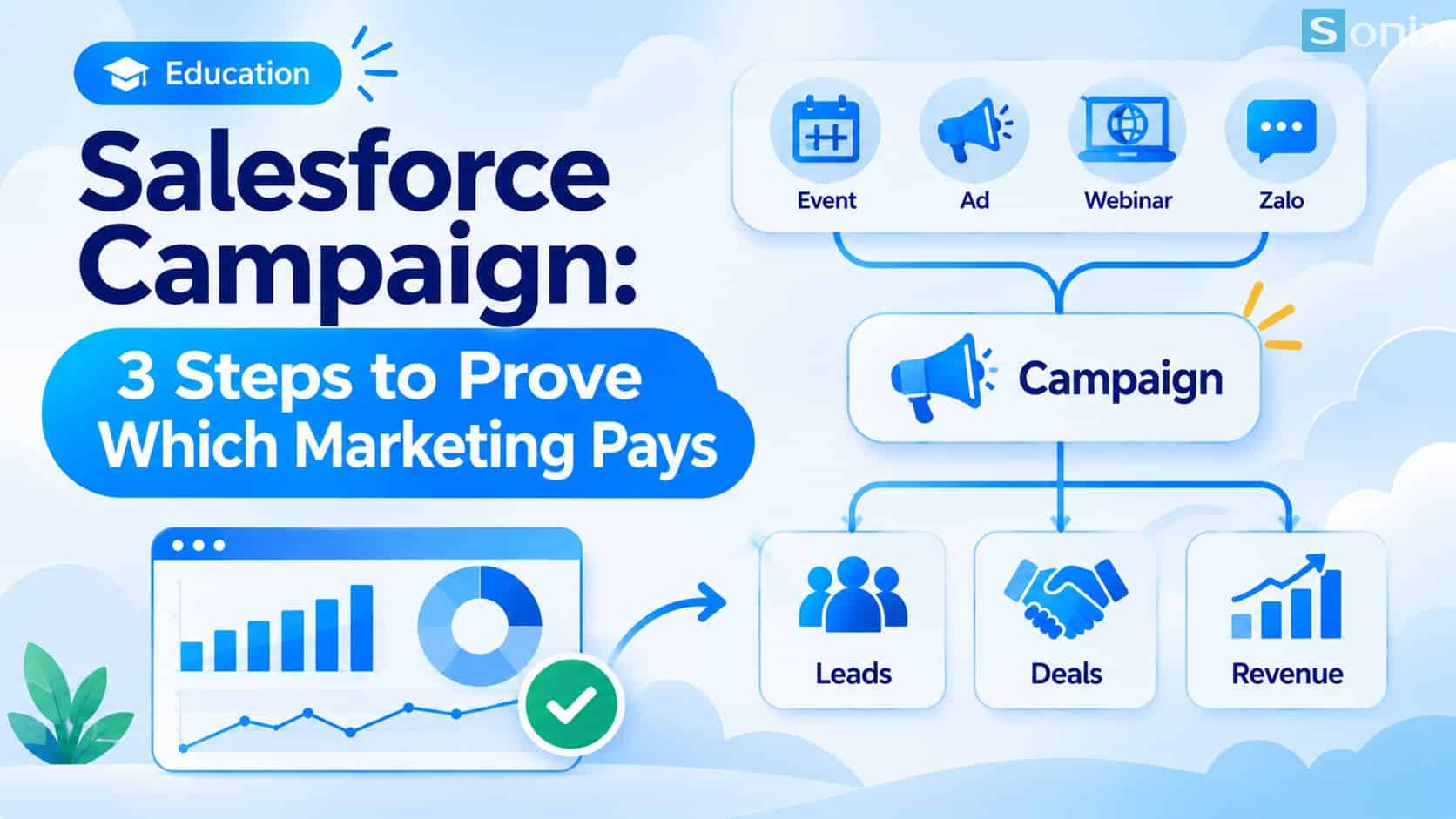 Marketing programs, Campaign Members and deals are connected so revenue can be measured per program.
Why it is hard to know which program makes money
Many businesses spend on events and ads but cannot tell which program produced deals. The data is scattered: registration lists in an Excel file, costs in marketing’s spreadsheet, deals in the CRM. Nobody connects the three, so at year-end all that remains is a feeling about which program seemed to work.
| Scattered records | Using Campaigns in Salesforce | |
|---|---|---|
| Attendee lists | An Excel file per program | Campaign Members tied to Leads and Contacts |
| Cost | Marketing’s separate spreadsheet | Recorded on the Campaign record itself |
| Deals produced | Cannot be tied to a program | Linked to the source Campaign on the Opportunity |
| Reporting | Built by hand each time | Reports per program |
What a Salesforce Campaign is made of
According to the Trailhead unit on campaign members, each program can add Leads, Contacts, Accounts or person accounts as members. You add people one by one from their record, in bulk with Manage Campaign Members, or import from a file with the data import wizard. The main parts are:
| Component | What it is | Hypothetical example |
|---|---|---|
| Campaign | A record that represents a program | Q2 webinar, customer seminar |
| Campaign Member | A person added to the program | A Lead or Contact who registered |
| Member Status | How each member responded | Registered, attended, no-show |
| Campaign Hierarchy | A parent program containing child programs | A quarterly push containing 3 small events |
| Primary Campaign Source | A field on the Opportunity naming the source program | This deal came from the Q2 webinar |
You can learn it step by step in the Campaign Basics module on Trailhead. If your CRM foundation is not solid yet, read our Salesforce Sales Cloud setup guide in 10 minutes first.
3 setup steps for a Salesforce Campaign to measure results
The three steps below follow the brief’s order. Menu names may differ by release.
Create a Campaign for each program and record the cost
- Each event, webinar or ad burst is one Campaign, with a naming convention that is easy to filter
- Record both budgeted and actual cost. Without actual cost, ROI cannot be calculated in any meaningful way
Add Leads and Contacts to the Campaign and update their status
- Add the people who registered, then update statuses such as attended after the event
- Choose which statuses count as a response so Salesforce counts responders for you
Link the Opportunity to its source Campaign
- When a Lead converts to a deal, record the source Campaign on the Opportunity
- Reports such as Campaigns with Campaign Members, described in the Trailhead unit on campaign reports, show results per program
Campaign Influence: when a deal is shaped by several programs
Primary Campaign Source gives all of a deal’s revenue to a single program. It is simple and easy to understand, but in reality a big deal is usually shaped by several programs: the customer attends a webinar, goes to a seminar, and only then receives a quote.
Campaign Influence records several programs contributing to one deal. According to reference sources, it is the advanced layer that must be turned on in settings, offers several allocation models, and usually relies on Contact Roles tied to the Opportunity. Check the requirements for your edition.
| Primary Campaign Source | Campaign Influence | |
|---|---|---|
| How it credits | One program gets all the revenue | Several programs share the influence |
| Complexity | Low, quick to set up | Higher, must be turned on and a model chosen |
| Best when | Short sales cycle, few touchpoints | Big deals, many touchpoints |
| Limitation | Ignores other touchpoints | Depends on Contact Role and campaign member data |
Start with Primary Campaign Source, and consider Campaign Influence once it proves useful. Whichever model you choose, it is still an estimate of marketing’s contribution, not proof of cause and effect.
Reading the report: a hypothetical example
Hypothetical example: an office equipment distributor runs 6 events and 4 ad bursts in a year, each as its own Campaign. The article gives no specific figures. The table below shows the questions a Campaign report can answer once the data is complete.
| Question | Data needed | How to read it |
|---|---|---|
| Which program cost the most? | Actual cost on the Campaign | Compare cost across programs |
| Which program brought the most leads? | Member count and new leads | Divide cost by leads to get cost per lead |
| Which program’s leads turn into deals? | Source Campaign on the Opportunity | Compare deals to leads for each program |
| Which program produced revenue? | Won deal value by source Campaign | Revenue minus cost, divided by cost, gives an estimated ROI |
You can put these numbers on a shared dashboard, see Salesforce Dynamic Dashboard: 1 Dashboard for the Whole Team. If you need deeper analysis than built-in reports, read What Is Tableau and how it differs from Reports & Dashboards.
Notes for measuring marketing
Data in decides results out. A Lead that is not added to a Campaign cannot be measured. You need data discipline, such as always adding attendees to the right Campaign after each event.
Access. Access to Campaigns is controlled by profile and sharing settings set by an admin. Check who can create and edit Campaigns.
Measurement is imperfect. Events can have slow influence, with deals closing months later. Read results as trends, and do not draw firm conclusions from one quarter.
Cost and edition. Features such as Campaign Influence depend on edition and license. This is general reference, not financial advice.
If you need help with setup, see Sonix’s Salesforce solutions (in Vietnamese).
Checklist before measuring results with a Salesforce Campaign
Before you create your first Campaign, run through this short list.
☐ Listed your running marketing programs and the actual cost of each
☐ Agreed on a Campaign naming convention that makes reports easy to filter
☐ Checked who may create and edit Campaigns
☐ Agreed on member statuses and which count as a response
☐ Set a rule to always add attendees to the right Campaign after each program
☐ Agreed on recording the source Campaign on the Opportunity
☐ Considered Campaign Influence once Primary Campaign Source runs smoothly
How are you measuring marketing results today? Leave a comment below and the Sonix team will suggest a suitable Campaign setup.
Salesforce CRM
Marketing
Guide
Business
Book a consultation with Sonix to set up Campaigns and a measurement approach that fits your edition and sales process.
Sonix: Your success is our happiness.
Leave us your comment