

 Tiếng Việt
 日本語
日本語How many “stops” does a purchase request make before it becomes an order sent to a supplier? At many SMBs, the answer is: an email to the department head, a Zalo message to the director, an Excel file to consolidate everything – and nobody is sure which step an order is stuck at. When an urgent order comes in, the buyer ends up chasing signatures one person at a time.
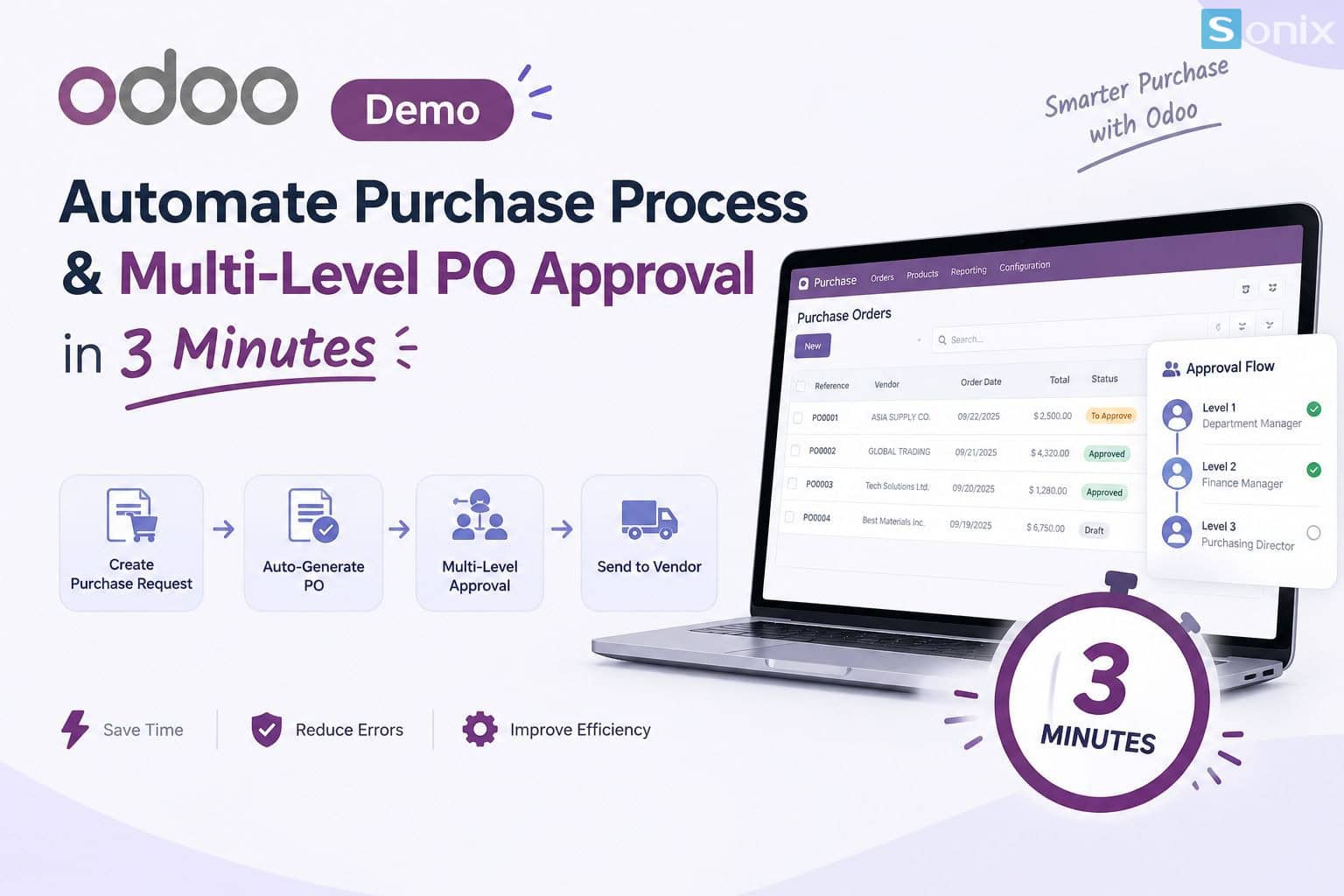
In this demo, we walk through a complete scenario in Odoo: from purchase request and supplier quotation, through tiered approval, to goods receipt and reconciliation – all in about 3 minutes of hands-on work. Use this article as a script to run the demo yourself, or simply follow along to picture the workflow before implementation.
Table of Contents
💡 Insight: Purchase approvals aren’t slow because approvers are lazy – they’re slow because approvers don’t know an order is waiting on them. When the system routes each order to the right person based on order value and surfaces it right on their screen, most of the waiting time disappears without adding a single extra control step.
3 minutes
demo length, from purchase request to goods receipt
3 levels
of approval based on order value thresholds in this scenario
1 flow
in a single system, no more scattered emails and Zalo chats
BACKGROUND
The Demo Scenario: Who Approves, and at What Thresholds?
The scenario below is an illustrative example for a typical SMB. The value thresholds and approvers can be fully adjusted to fit each company’s structure.
👤 Level 1: Requesting Department Head
Every purchase needs the department head to confirm the need. Low-value orders (for example, under VND 20 million) stop at this level and move straight on to ordering.
📊 Level 2: Chief Accountant or Purchasing Director
Mid-value orders (for example, VND 20-100 million) need an extra layer of budget and payment-terms review before going out to the supplier.
🏢 Level 3: CEO
Only high-value orders (for example, above VND 100 million) reach the top level, so leadership can focus on the decisions that truly matter.
DEMO
The 3-Minute Demo: Step by Step in Odoo
Here is the scenario laid out by timestamp – ready to record as a video or present live to a client.
| Timestamp | Action in Odoo | What the Viewer Sees |
|---|---|---|
| 0:00 – 0:30 | An employee creates a purchase request, selecting the product, quantity, and suggested supplier | A single form, with product details and pricing pulled from the existing catalog |
| 0:30 – 1:15 | The request is converted into a request for quotation (RFQ); suppliers are compared and one is selected | The purchase order is created from the request data, with no re-entry |
| 1:15 – 2:15 | The PO is automatically routed to each approval level by value; approvers confirm directly in the system | A pending-approval status shows clearly which level the order is at and who needs to act |
| 2:15 – 3:00 | The order is sent to the supplier, the warehouse confirms receipt, and the invoice is matched | The full history from request to receipt sits on the same order |
What stands out is that the buyer never has to leave the system at any step. Each time an order moves up a level, the system records who approved it and when, creating a ready-made audit trail for the accounting team.
COMPARISON
Before and After Automating the Approval Process
| Category | Before (email, Zalo, Excel) | After (Odoo) |
|---|---|---|
| Routing orders to approvers | Buyer sends and chases each person manually | System routes automatically by value threshold |
| Status tracking | Have to ask “where is the order?” | See at a glance which level the order is waiting at |
| Approval trail | Scattered across messages, hard to trace | Approver and timestamp stored on each order |
| Spending control | Depends on each person’s habits | Fixed rules in the system, applied to every order |
| Receipt and invoice matching | Manual cross-checking across multiple files | One order links the request, receipt, and invoice |
PRACTICE
Setup Notes for Your Own Business
Before rolling this out, there are three points worth settling with leadership so the process runs smoothly from day one:
- Value thresholds and approvers: agree in writing who approves at which level, and who covers when someone is absent so orders don’t get stuck.
- How to configure multi-level approval: Odoo natively supports approving purchase orders above a single value threshold; for a multi-level chain, the configuration depends on the Odoo version and plan you use. You can consult the official Odoo documentation to see which option fits.
- User training: approvers need to know where to find the list of orders waiting on them. A short walkthrough is usually enough for the whole team to get comfortable with the new flow.
If you’d like to see the demo on your own company’s data and approval thresholds, the Sonix team can set up a trial environment for you to try before you decide. Learn more about our Odoo implementation service.
KEY TAKEAWAYS
| Key Point | What It Means for Your Business |
|---|---|
| Orders route automatically to the right approver | Buyers no longer chase each signature, and waiting time drops noticeably. |
| Approval levels tied to order value | Small orders move fast, large orders get tighter control. |
| Full history lives on one order | Easier to trace during audits and to reconcile with suppliers. |
| Settle approval rules before configuring | The system only delivers when thresholds and backup approvers are clearly agreed. |
Want to see the purchase approval flow running on your own data?
Book a 30-minute discovery call and Sonix will demo the request – multi-level approval – receipt flow live, using your company’s actual approval thresholds.
Sonix – Our customers’ success is our joy.
Leave us your comment