

 Tiếng Việt
 日本語
日本語A 15-store retail chain in Ho Chi Minh City has just wrapped up a weekend promotion. Sales are up, but by 10 p.m. every store is scrambling: flaky Wi-Fi has frozen the POS terminals, staff are jotting orders on paper, and accountants spend more than an hour reconciling each shift. The problem is not customer volume. It is a sales system that only works when the network is stable and whose data never matches across stores.
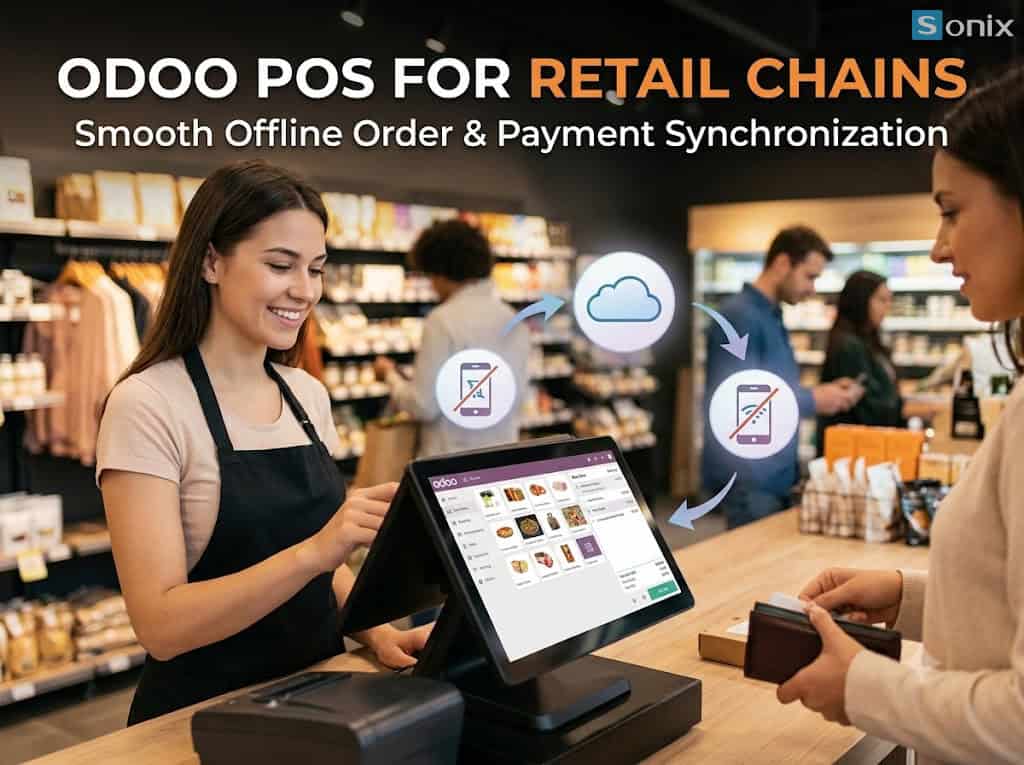
This article looks at how that chain used Odoo POS to synchronize orders, inventory, and payments across all of its stores, keep selling normally when the internet goes down, and automatically push the data back to the system once the connection returns.
Table of Contents
💡 Core insight: A good POS is not one that never loses connectivity. It is one that never forces a store to stop selling when connectivity is lost. When every order is safely stored at the counter and syncs to headquarters on its own, cashiers stop writing orders by hand, accountants stop reconciling manually, and inventory across stores reflects reality.
90 → 15 min
End-of-shift reconciliation time per store after adopting Odoo POS
7% → 1.5%
Gap between book and actual inventory after 60 days
15 stores
One price list, one set of promotions, and centralized order data
PART 1
Retail Chain Bottlenecks: Weak Networks, Mismatched Data
The chain has 15 stores with 2 to 4 checkout counters each, running an older sales application that depends entirely on the internet. Leadership identified three problems that recur in most fast-growing chains:
| Bottleneck | What it looks like in store | Operational impact |
|---|---|---|
| Total dependence on the internet | An unstable connection freezes the POS, customers queue, or staff write orders on paper | Lost revenue at peak hours, with re-keyed paper orders full of errors or missed entirely |
| Inventory not synced between stores | Stock updates only at end of day, and staff cannot tell whether another store has the item | Overselling, or turning customers away even though a nearby branch has stock |
| Manual payment reconciliation | Cash, cards, QR transfers, and e-wallets are tallied in spreadsheets at the end of each shift | Accountants lose hours every day, and cash discrepancies are hard to trace |
PART 2
Odoo POS Order and Inventory Sync Across Stores
Sonix redesigned the chain’s data flow on Odoo POS, connected directly to Odoo Inventory and Odoo Accounting, so that every transaction at the counter updates the order, the stock, and the books at the same time.
🔄 One product catalog, one price list for the whole chain
Products, price lists, and promotions are configured once at headquarters and applied to every store. When head office changes a price or launches a campaign, every checkout counter receives the same configuration, so there is no more “each store sells at its own price.”
📦 Inventory updated order by order
Each completed order deducts stock from the correct store. Staff and operations can see remaining quantities at every branch, so they can transfer goods internally instead of turning customers away or reordering unnecessarily.
🧾 Automatic shift closing and payment reconciliation
Each POS session records cash, card, QR transfer, and e-wallet payments separately. At shift close, the system compares actual receipts with order data and posts the journal entries to Accounting, so accountants only handle the differences instead of rebuilding totals from scratch.
PART 3
Offline Payments: Keep Selling When the Network Drops
Odoo POS runs in the browser and temporarily stores orders on the device at the counter. When the internet goes down, cashiers keep ringing up orders and printing receipts as usual. Once the connection returns, pending orders are pushed to the server automatically, which updates inventory and accounting entries. How well each payment method works offline varies, so the chain needs to classify them clearly from the start:
| Situation at the counter | When the internet is down | When the connection returns |
|---|---|---|
| Cash payment | Ring up the order, collect cash, and print the receipt as normal | The order syncs to the server automatically, deducting stock and posting to the books |
| Card payment on a bank POS terminal | Depends on the card terminal’s own connection, so keep a fallback in place (4G, cash) | The order is recorded in the system along with the other offline orders |
| QR transfer / e-wallet | Needs confirmation from the bank or wallet, so cashiers verify on the store’s own app | The order syncs, and accountants reconcile against the statement the same day |
| Checking stock at other branches | Only previously loaded data is visible, not real-time figures | Chain-wide inventory refreshes in full |
The key point is that the chain is never “blind” during an outage: every offline order is stamped with a reference and the actual time at the counter, so when it syncs, the data stays in the right order and can be traced to each cashier and each shift.
PART 4
Implementation Roadmap and 60-Day Results
The chain could not close its stores to switch systems, so the project was split into 3 phases and rolled out store by store:
- Weeks 1 – 2 (Data standardization): Clean up the product catalog and set up price lists, promotions, payment methods, and warehouses for each store. Check the hardware at every counter (receipt printers, barcode scanners, card terminals).
- Weeks 3 – 4 (Pilot at 3 stores): Run Odoo POS at 3 stores with different traffic levels, simulating network outages so cashiers get used to selling offline and syncing afterward.
- Weeks 5 – 8 (Chain-wide Go-Live): Roll out to the remaining 12 stores in waves, train cashiers and store managers, and bring chain-wide sales and inventory reports into the weekly management meeting.
After 60 days of operation, the chain’s metrics changed noticeably:
| Metric | Before implementation | After 60 days of Odoo POS |
|---|---|---|
| End-of-shift reconciliation time | About 90 minutes per store | 15 minutes (automatic reconciliation by POS session) |
| Gap between book and actual inventory | 7% | 1.5% (stock deducted order by order) |
| Handwritten orders due to outages | Many per week, re-keyed manually | Nearly eliminated (offline selling with automatic sync) |
| Time to roll out a new promotion chain-wide | 1 – 2 days, configured store by store | A few minutes (configured once at headquarters) |
PART 5
Lessons for Choosing a POS for a Retail Chain
From this chain’s journey, expanding retailers can take away 3 lessons:
- Design for the bad-network day, not just the good one: Unplug the internet during the demo. A POS only passes the test if cashiers can still sell and the data reconciles itself afterward.
- The POS should live in the same system as inventory and accounting: When the order, the stock movement, and the journal entry all come from one transaction, the chain no longer has to reconcile across disconnected applications.
- Standardize first, expand later: A unified product catalog, price list, and shift-closing process turn opening a new store into a matter of copying a configuration instead of building from scratch.
Learn more about our methodology and practical solutions in Sonix’s international-standard Odoo implementation service.
KEY TAKEAWAYS
| Core element | Practical impact |
|---|---|
| Order and inventory sync | Fewer oversells, and stock transfers between branches based on real numbers. |
| Offline selling with automatic re-sync | No lost revenue at peak hours when the network is unstable. |
| Automatic shift closing and reconciliation | Saves accounting time and traces cash discrepancies to the exact shift. |
Still reconciling your stores’ shifts in spreadsheets?
Book a 1-on-1 consultation with a Sonix expert to see a demo of Odoo POS offline selling, inventory sync, and automatic payment reconciliation tailored to your chain.
Sonix – Partnering with you to optimize operational productivity.
Leave us your comment