

 Tiếng Việt
 日本語
日本語How many square meters are currently under negotiation? If answering that means opening three Excel files and digging through each person’s chat messages, a pipeline can help.
Sales Cloud Leasing, put simply, means using Salesforce Sales Cloud to build a dedicated pipeline for your space leasing team. Leads arrive from brokers, your website, referrals and other channels, yet they all move through one clear chain of stages instead of being scattered across different places. That way a CEO, CMO or head of leasing can see at a glance which opportunity is stuck and where.
Important: the 6-stage pipeline in this article is a sample configuration for reference. It is not a mandatory process and not a real customer case. Each organization should adapt it to how its own team works. The short answer to the main question: you can track the whole journey from first interest to handover with 6 stages on the Opportunity, plus a few fields specific to space leasing and a mechanism that reminds the team when an opportunity sits too long.
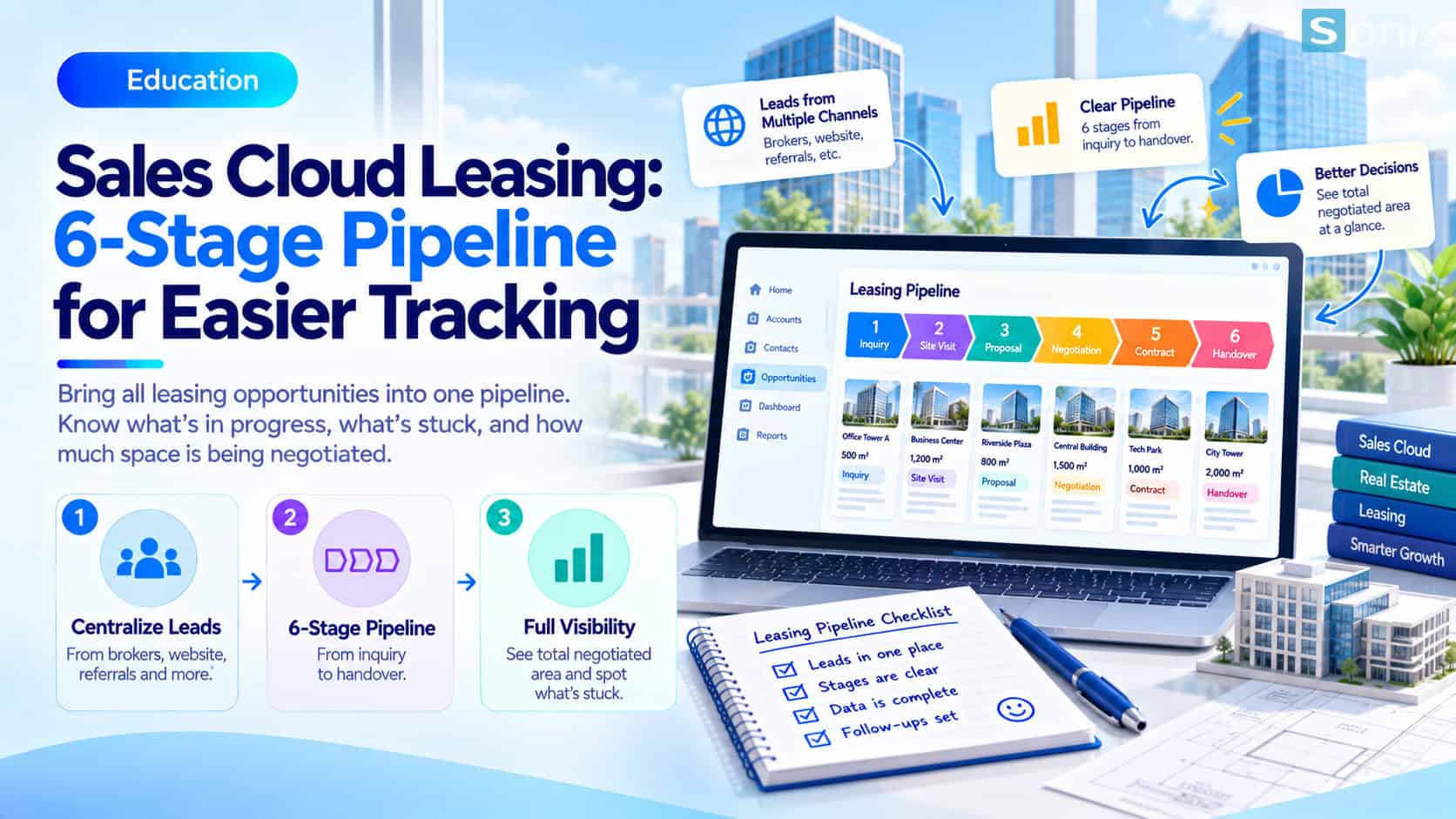 A sample 6-stage pipeline for a leasing team, from first interest to handover.
Sales Cloud Leasing: why leasing teams need their own pipeline
Leasing leads tend to come from several sources at once. Brokers send prospects through messages, the website receives contact forms, and past partners refer their acquaintances. Each source usually ends up in a different place: one person’s Excel file, another person’s phone notes, some chat group.
The result is that a leasing cycle, already long (viewings, price proposals, several rounds of negotiation), becomes even harder to follow. A prospect who toured two weeks ago but has not yet received a price proposal can be forgotten without anyone noticing. When leadership asks for the total area under negotiation, the team has to merge figures by hand, and the numbers often differ between files.
A pipeline addresses this by placing every opportunity into the same chain of stages with a shared set of fields. The tool does not replace the experience of people who do leasing, but it lets everyone speak the same language about progress.
Sales Cloud Leasing pipeline in 6 stages: a sample configuration
In Sales Cloud, these stages are configured as the Stage list of the Opportunity. If you are new to Setup, the article Salesforce Sales Cloud Setup Guide in 10 Minutes is a good starting point. Below is a sample chain of stages; you can change the names and the number as you see fit.
Initial interest
- The prospect has just made contact via a broker, the website or a referral
- Record the lead source, company and rough area of interest
- To do: follow up and confirm the need
Viewing
- A viewing has been scheduled or the prospect has seen the space
- Record the areas viewed and the prospect’s feedback
- To do: ask for their opinion after the visit
Price proposal sent
- A proposal on rent and leasing conditions has been sent
- Record the sending date and the proposed price
- To do: follow up on the prospect’s response
Negotiation
- Both sides are discussing the terms
- Record the decision maker and the open points
- To do: close points one by one, avoid dragging on
Contract signing
- Terms are agreed; the contract is awaiting or undergoing signature
- Record the expected signing date and the person handling the paperwork
- To do: coordinate with the internal legal team
Handover
- Preparing and carrying out the handover of the space
- Record the expected handover date and items to inspect
- To do: pass the information to the building operations team
What each opportunity should record
A stage only tells you where a deal is, while management usually needs more detail. For a space leasing team, each Opportunity can be linked to the tenant company (Account) and carry the following four groups of information.
- Tenant company: use Account to group every opportunity and contact of the same tenant.
- Area of interest: a custom number field (for example, in m²) so you can total it by stage.
- Expected lease term: a number or picklist field that helps estimate the scale of the contract.
- Lead source: broker, website or referral, so you know which channel brings quality tenants.
To keep these fields from being left blank as an opportunity moves forward, you can add data validation rules. The article Validation Rule Salesforce (in Vietnamese) explains how to block missing data at the moment of entry.
Reminders for stalled deals and square meter reports
Once data is in one place, two things are worth doing right away. The first is setting up reminders: with Flow, you can configure the system to create a task or send a notification to the owner when an opportunity stays too long in one stage. What counts as “too long” is up to the team, since the wait after sending a price proposal is usually different from the wait for a contract signature.
The second is reporting. When area is stored in a number field, you can build an Opportunity report grouped by Stage and total the area of each group. The question “how many square meters are under negotiation” then needs only one report or dashboard instead of merging files by hand.
If your team prefers a visual view, the Kanban view of Opportunities shows deals as columns by stage and lets you drag and drop to update them. Sales Path can also display guidance for each stage, for example reminding staff what to record before moving to the next step.
Notes before applying this to your team
Do not copy the 6 stages as they are if your real process differs. Some organizations need an extra step to vet tenants, while others merge viewing and price proposal into one. Start from how the team actually works, then name the stages to match. A tool only pays off when the process underneath is clear, and a CRM cannot fix a process that is still messy.
You may also read free sales process audit (in Vietnamese) to review your process before configuring anything. One more point: keep the number of stages moderate. Too many steps make staff reluctant to update, and the pipeline gradually loses its value.
The content of this article is general reference and not legal advice. Terms and procedures at the contract signing stage must follow the actual contract documents and the opinion of your legal department.
Checklist before building the pipeline
Before configuring, run through the short list below to make sure the pipeline reflects how your team really works.
☐ Listed the lead sources (brokers, website, referrals) and how each is recorded
☐ Agreed on the name and meaning of each stage with the whole team
☐ Chose the required fields: area, lease term, lead source
☐ Decided the threshold for stalled-deal reminders
☐ Built a report of total area by stage
What tool is your leasing team using to track opportunities? Leave a comment below, the Sonix team would love to hear how you work.
Book a consultation with Sonix to review your space leasing process and design a pipeline that fits your organization.
Sonix: Your success is our happiness.
Leave us your comment