

 Tiếng Việt
 日本語
日本語Every year Salesforce ships three major releases, and your org gets upgraded on its own schedule, not on the business’s preference. With Salesforce Winter ’27, the practical question for admins and business owners isn’t “should we upgrade,” it’s “will what’s running fine today still run fine afterward.”
This post suggests 4 things worth checking in a sandbox: the Release Updates list, the Flows you rely on, the user interface, and any integrations calling the API. It’s a general practical checklist, not a replacement for Salesforce’s official release notes.
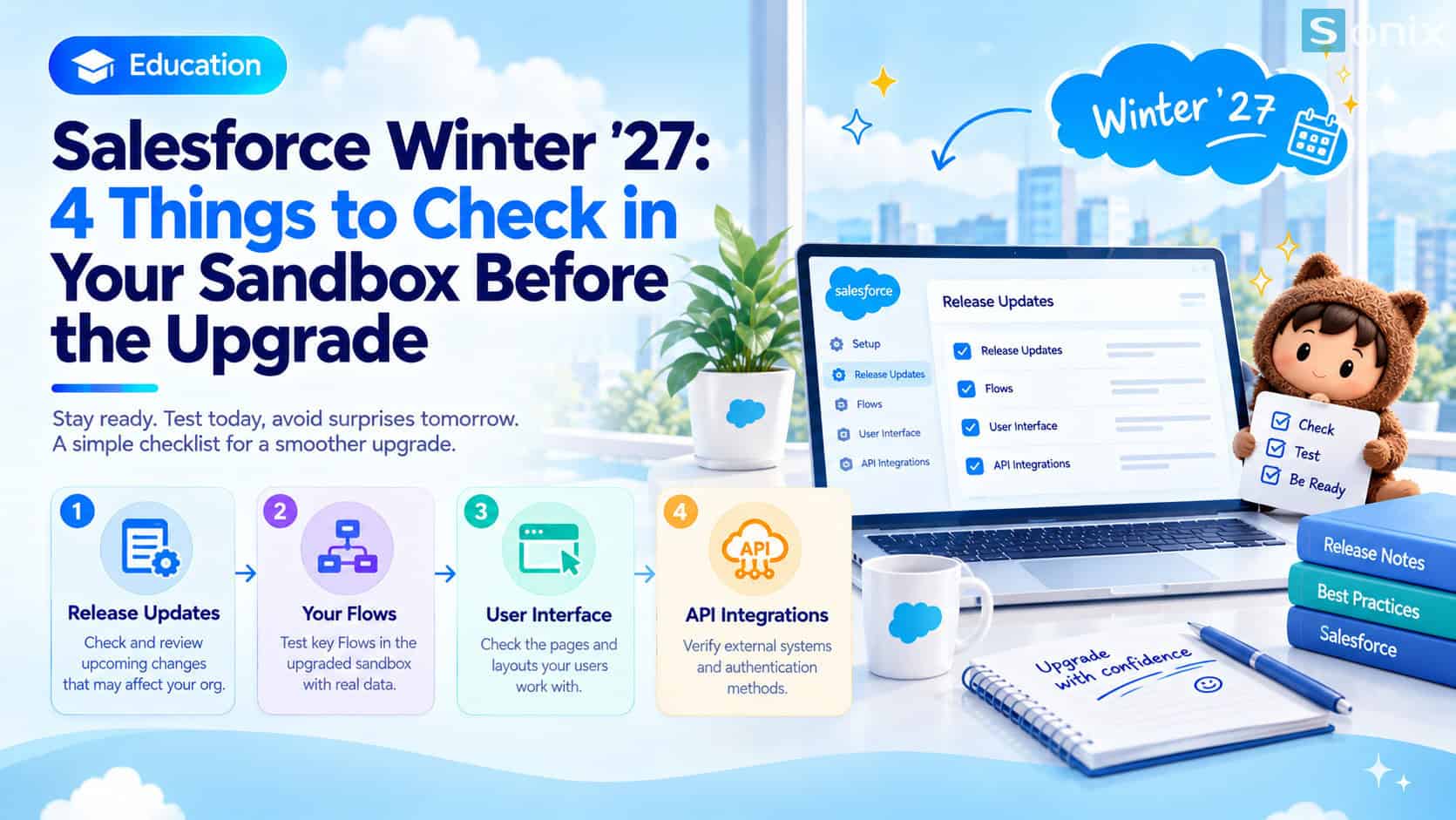 Salesforce Winter ’27: 4 things to check in a sandbox first
Table of Contents
Upgrade schedule
When Your Org Gets Upgraded
According to release-date trackers, the Salesforce Winter ’27 release notes were published in mid-August 2026, sandbox preview opened in late August, and production orgs upgrade across several weekends between September and early October 2026. Exact dates differ slightly between sources, so it’s not wise to rely on one universal date.
The surest approach is to check the maintenance calendar for your org’s own instance on Salesforce’s Trust site. The upgrade date depends on the instance, so two neighboring businesses can be upgraded in different waves.
Checklist
4 Things To Check In A Sandbox
Read the Release Updates list
- Go to Setup → Release Updates to see the changes about to be enforced for your org
- Pay attention to items with the nearest enforcement dates, since those can’t be turned off after the deadline
- Some roundups mention Profile Filtering as worth trying in a sandbox, since it affects how visibility permissions work
- Cross-check each item against the official release notes to understand its actual scope, instead of reading titles alone
Run the Flows you rely on
- List the active Flows in your org, prioritizing ones tied to key processes like lead assignment or quote approval
- Run each one in the upgraded sandbox with realistic sample data
- Test with a standard user account, not just an admin, since permissions can produce different results
- Note any difference from previous behavior, however small
Check the user interface
- Open the pages users rely on most: Lead, Account, Opportunity, and key dashboards
- Check at the display settings your users actually use, including browser zoom, since interface changes can shift layouts
- Ask one or two real users whether they notice anything off
Review integrations calling the API
- List every external system connected to Salesforce: website, accounting software, marketing tools
- Check how each one authenticates. According to release-notes summaries, some older login methods like the OAuth 2.0 Username-Password Flow are being retired
- Test two-way data flow in the sandbox, e.g. create a lead from a website form and see whether it lands in the right place
- If an integration is third-party, ask the vendor about their compatibility plan for the new release
FAQ
What If Your Org Has No Sandbox
Not every Salesforce plan includes every sandbox type, and the number of sandboxes provided depends on the edition you’re on. If your org has no sandbox, this is the time to ask your implementation partner or Salesforce representative whether one can be created, instead of testing directly on live data.
To understand each sandbox type and a safe testing process, read this post on what Salesforce Sandbox is before you start checking.
Caveats
What Not To Do Before The Upgrade
Don’t just read the headlines of the new features and conclude the upgrade is safe. The most important part of each release usually isn’t the attractive new features, it’s the mandatory changes applied to your existing configuration.
Also avoid making major configuration changes right before the upgrade date. If something breaks afterward, pinpointing the cause is far harder when both a Salesforce change and your own change landed within a short window.
This post is general guidance. Exact details of each change and your org’s upgrade schedule always follow Salesforce’s official release notes and Trust site.
Checking in a sandbox beforehand doesn’t remove risk entirely, but it turns a surprise during live operations into something to fix in a test environment.
Does your org have a sandbox yet?
Book a free consultation, the Sonix team will help you walk through a pre-upgrade checklist ahead of every Salesforce release.
Sonix: Your success is our happiness.
Leave us your comment